Turn what you write into finished visuals.
Paste a draft, a PDF, a link, or what ChatGPT or Claude just wrote for you. Canvora turns it into carousels, posts, decks, and documents, across 100+ formats, on brand, natively in 150+ languages.


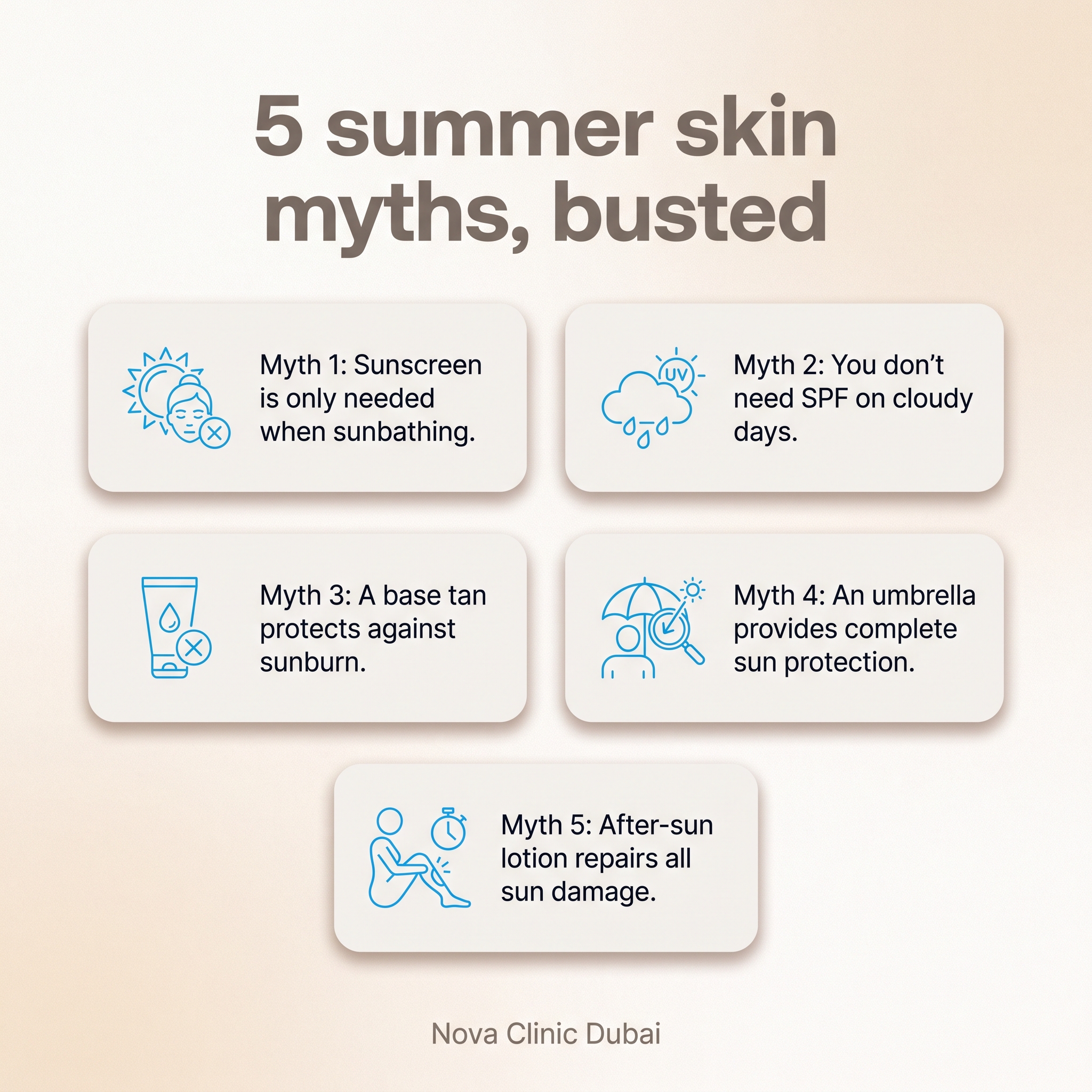
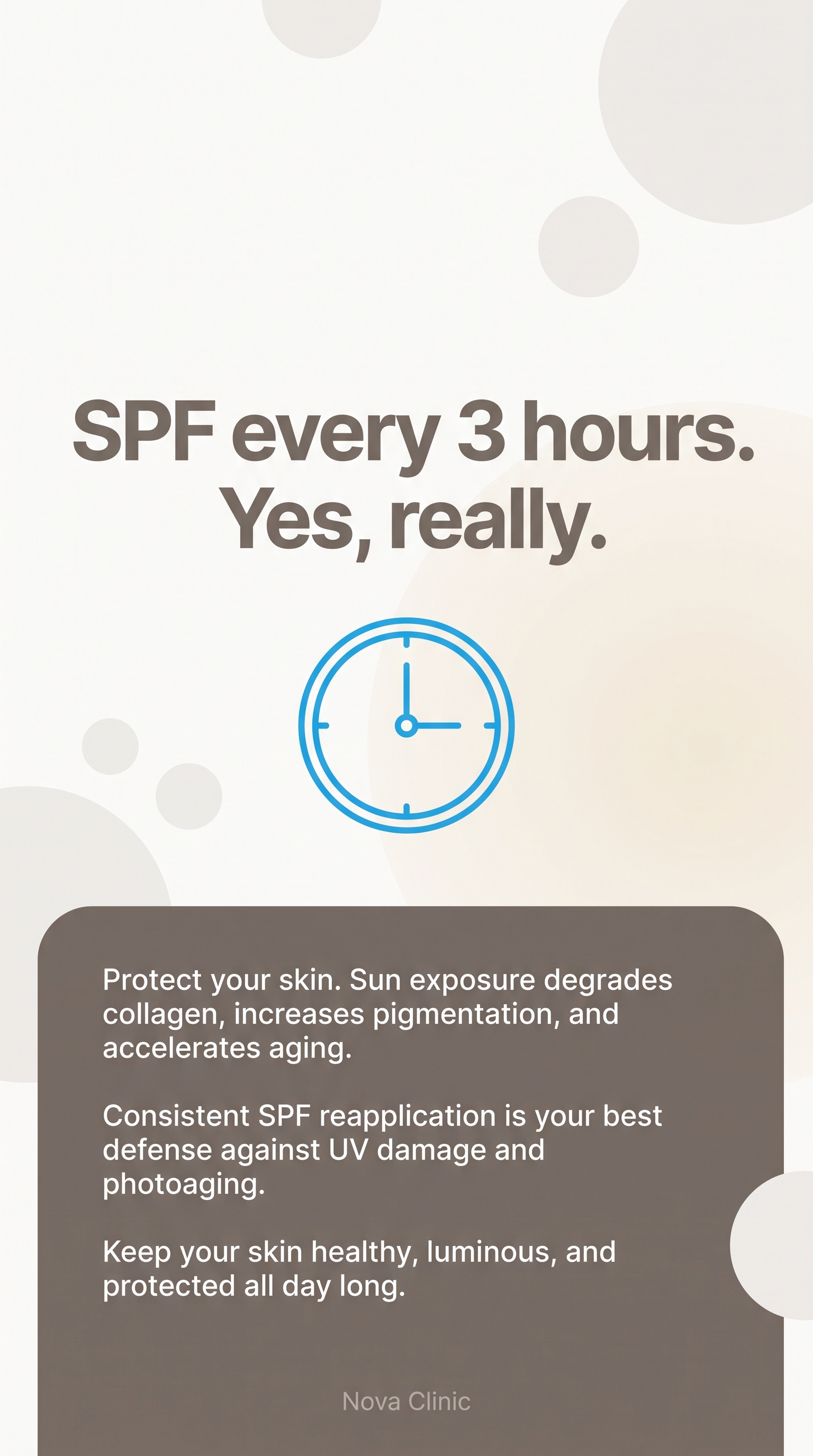

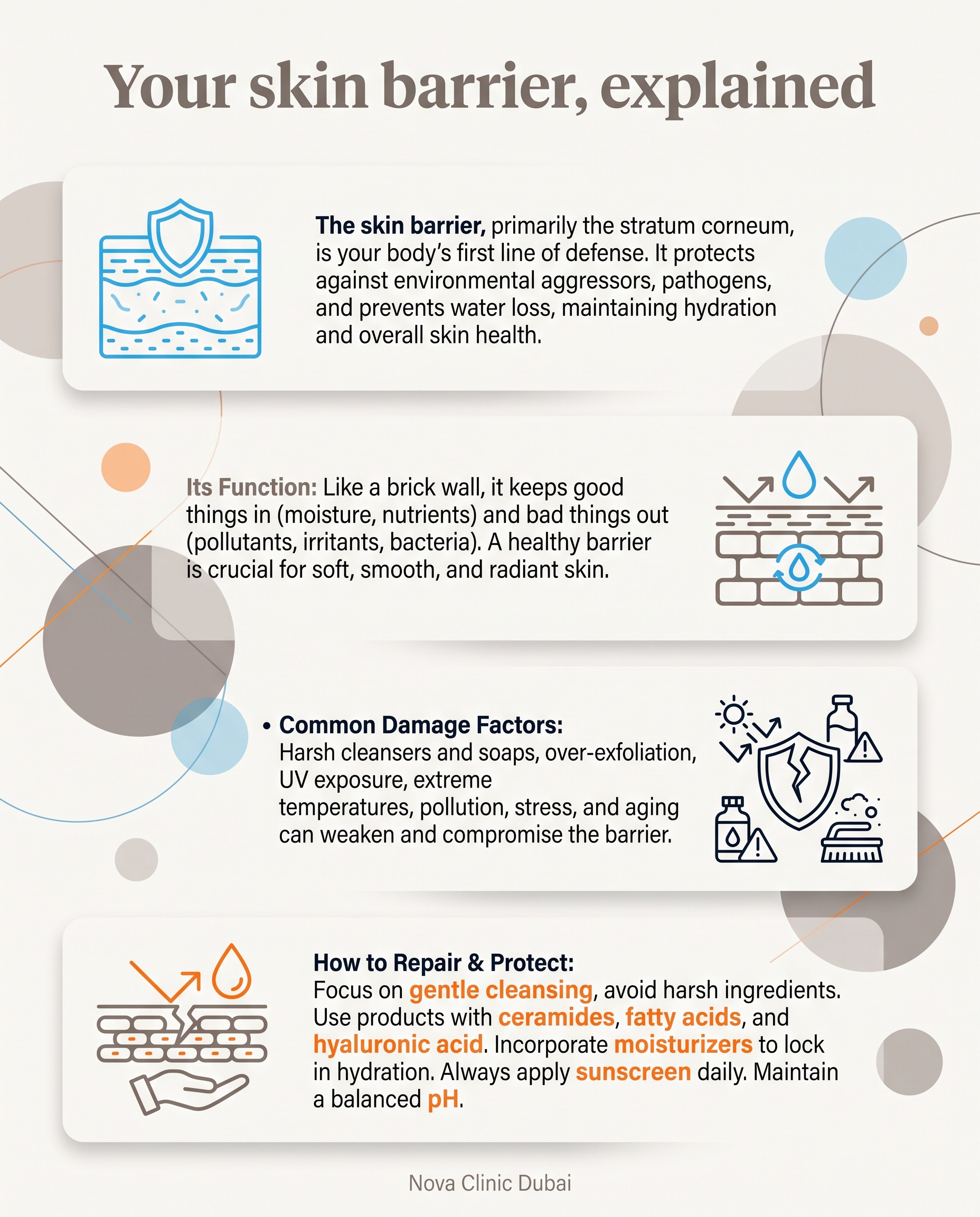

Every platform. Every language. One of you. Due daily.
Design is your biggest cost, and it's your hands
A week of posts, stories, and promos due, and no designer on payroll. Every hour in a template tool is an hour not selling, or not sleeping.
The second language doubles the work
You finish the first language, then rebuild everything for the second. Alignment breaks, punctuation flips, the fonts look wrong. 20 minutes per slide, fighting the tool.
One off-brand week undoes months of trust
Your audience doesn't see the hours. They see the post that looked off in their language. Consistency is the brand.
The Monday batch, done before your first coffee.
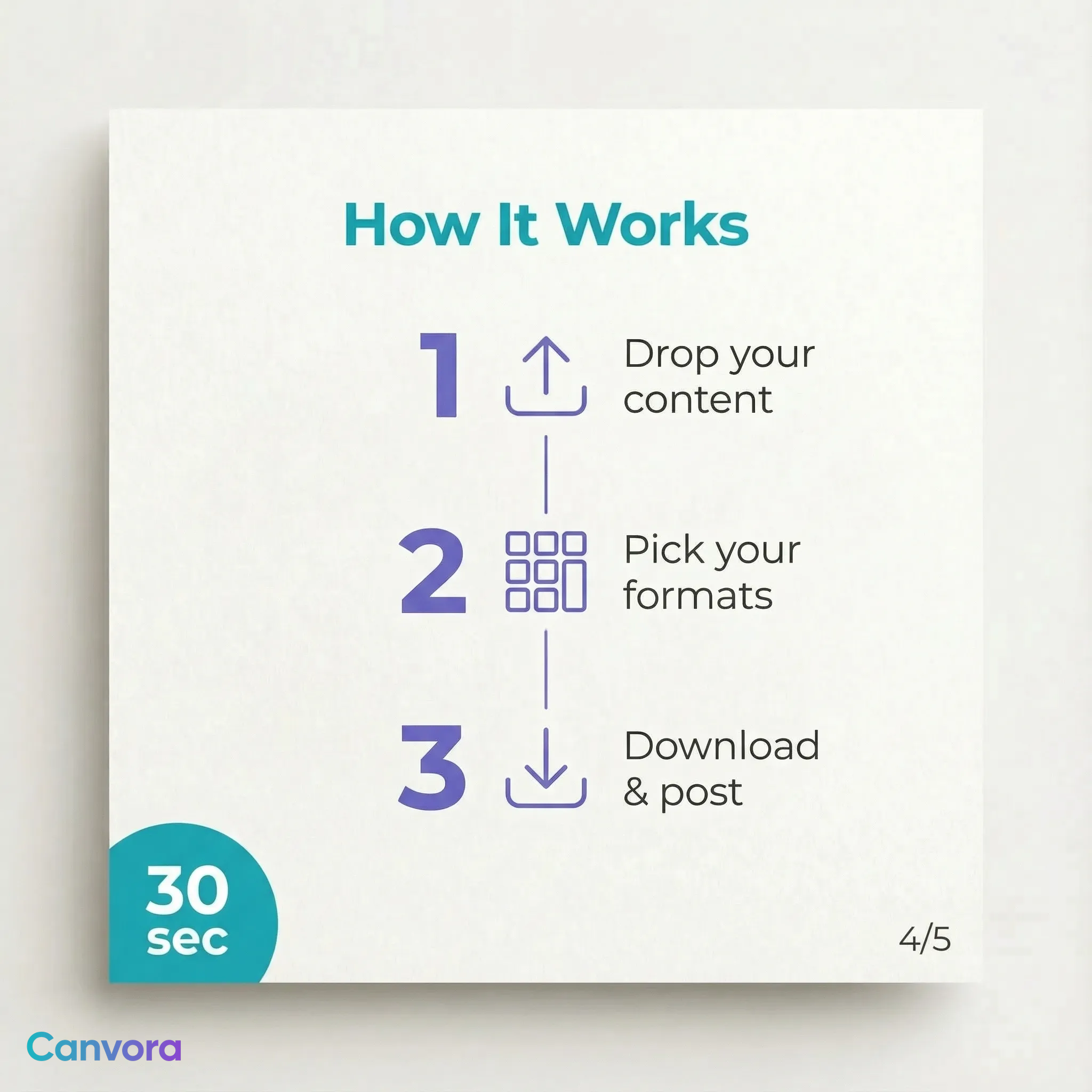
Paste a blog post, a promo, an offer, or what your AI just wrote. Canvora reads it and returns the batch: carousels, posts, stories, ad creative, in your brand kit, in every language you publish in. You review, tweak in the editor, post.
one source
A blog post, a promo, a PDF, a WhatsApp voice note of an idea. Canvora reads it and extracts what sells.
on-brand visuals
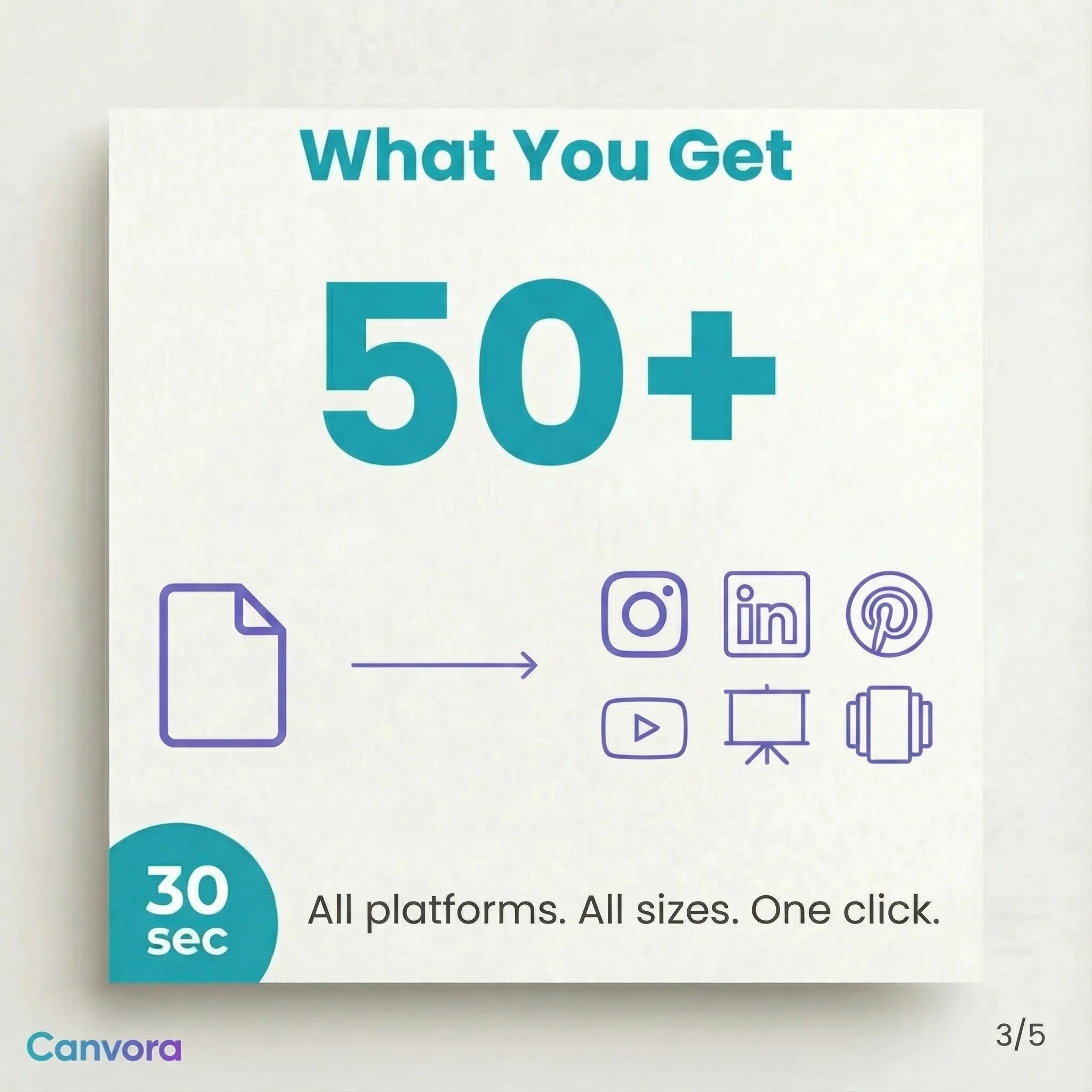
Carousels, posts, stories, ad creative. 100+ formats, each in the exact brand kit it belongs to.
languages, zero redo
The second language isn't a re-design. It's the same visual, natively generated, right-to-left scripts included. 150+ languages on tap.
You're not hiring a designer per market. The second language is no longer a second job.
Watch a URL become the whole batch.
Real output, not mockups.





Everything you'd hire a designer for, already done.
Not another canvas to fight. Canvora holds every brand you work with, reads your content, pulls out the ideas worth posting, writes the headlines, and builds the layout. You review and ship.
A brand kit for every brand
Clinic, restaurant, brokerage, D2C. Each locked.Logo, colors, fonts ingested once. Every visual comes out consistent, yours and every brand you manage.
Native in 150+ languages
"Every script, aligned."Generated in the language, not translated onto a broken layout. RTL, scripts, punctuation: handled.
Edits in one line
"Change the headline, make it warmer."The WhatsApp change request becomes one typed sentence. Regenerates in moments, layout intact.
Their content in, visuals out
Blog URL, PDF, offer text, rough idea.Canvora reads it, extracts the insight, and turns it into the week's batch. No blank canvas.
Match any aesthetic
"Make it look like this account."Import a style from any Instagram profile as a preset. The look you want, reusable.
A real editor for the last 5%
Generated gets you 95% there.Fine-tune every pixel before it goes out. Export clean, in 4K, no watermark on paid plans.
"I was skeptical about AI design tools. But this is different, it actually understands context. I paste a blog URL and get scroll-stopping visuals that match my brand. It's how we keep every client's feed full."
"We used to spend 3-4 hours creating LinkedIn carousels. Now it takes under 5 minutes. Engagement is up 40% because we can actually post consistently."
"I turned a Q3 report PDF into a carousel in 2 minutes. The AI extracted the key insights perfectly. The post got 50K impressions."
Already drafting captions in AI chat? Generate the visuals right there. Same brand kit, no new tab. Canvora for Agents →
Costs less than one working hour.
A freelance designer starts at $300 a month. Canvora starts at $0 and saves you 10-20 hours a week. Free credits to start, no card. Test it on something real first.
- All 100+ visual formats
- 2K resolution
- Works with Claude & ChatGPT + API
- Watermarked output
- No watermark, 4K resolution
- Visual Editor
- 1 brand kit + 1 style preset
- 1 workspace (3 members)
- Everything in Starter
- 5 brand kits + 5 style presets
- 3 workspaces (10 members)
- Priority support
- Everything in Pro
- Unlimited brand kits & presets
- Unlimited workspaces & members
- Priority support & onboarding help
Asked before you asked.
I already have Canva. Why this?
Will non-Latin and right-to-left scripts look right?
Is the output good enough to publish?
Can I edit or refine the results?
How do credits work?
Is my content private and secure?
Your next post is already written. Let it design itself.
Paste something real. Judge the output yourself. It takes a minute.
Generate your next visual free