Google Display Ad Templates
Create Display Network ads that drive results
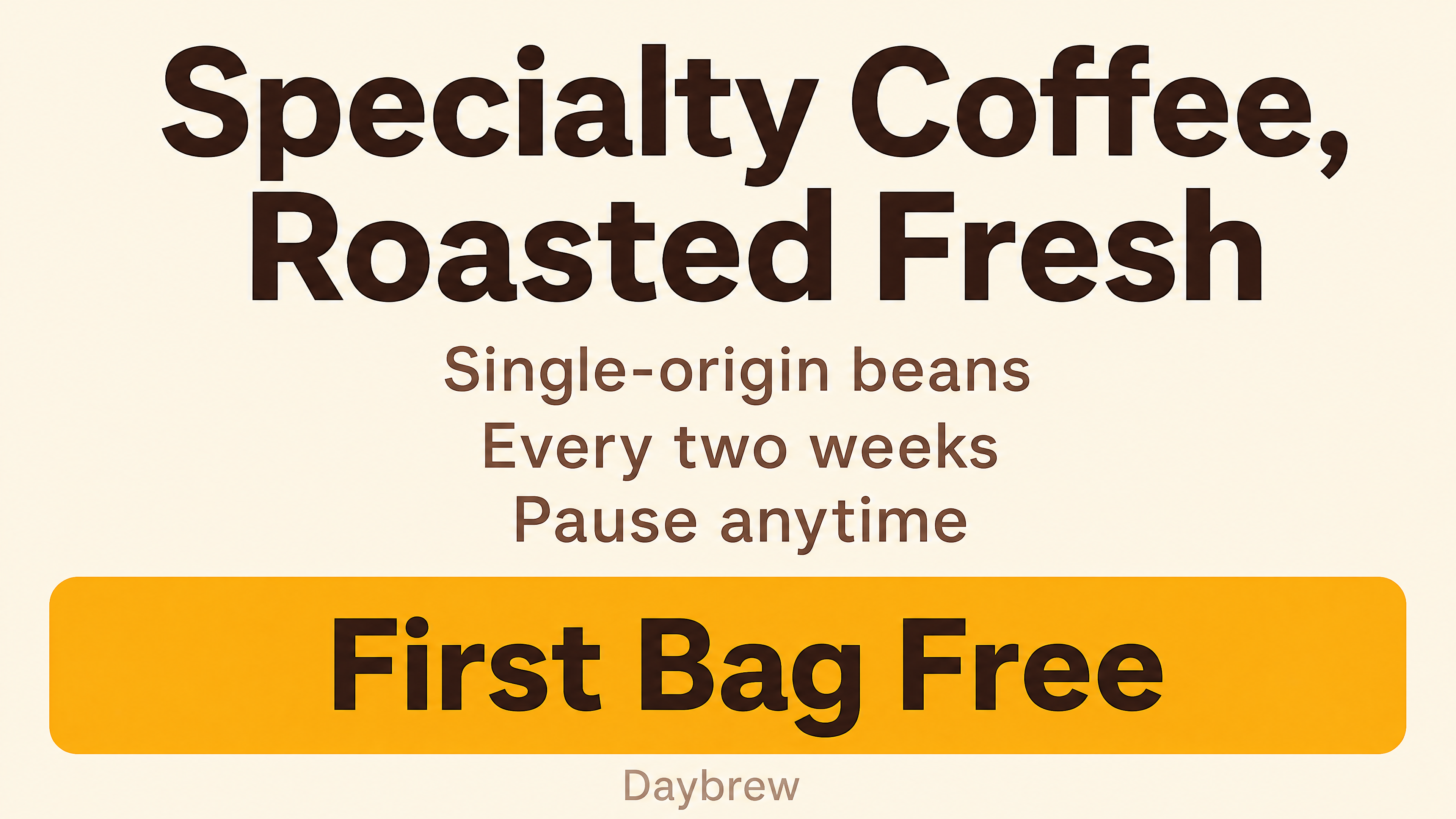
Create with Visual Assistant
Describe what you need and watch AI create professional google display ad templates for you
Visual Assistant
From idea to professional design, effortlessly
From Idea to Visual
Watch how Canvora creates professional visuals from any content — the same workflow powers every format including Free Google Display Ad Templates | AI Google Ads Maker
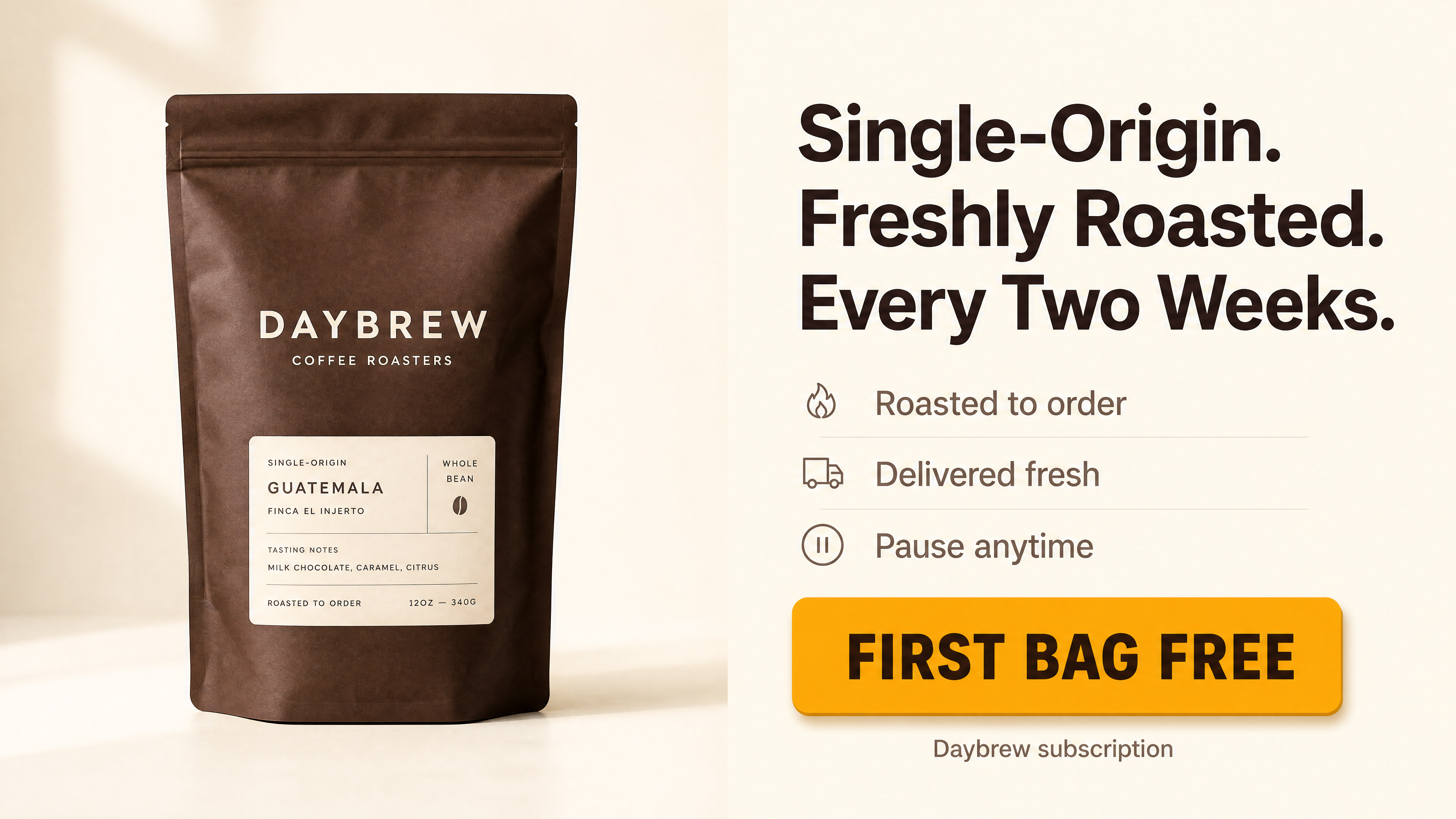
Made with this tool
Generated in about a minute, ready to use.



Perfect For
See how different professionals use google display ad templates
Digital Marketers
Create Google Display campaigns that reach millions
Advertising Agencies
Deliver GDN-ready creative assets for clients
E-commerce Brands
Drive traffic and sales through display remarketing
Startups
Build brand awareness across the Google network
Features
Everything you need to create stunning google display ad templates
Google Specs Compliant
All sizes meet Google Display Network requirements
Responsive Ready
Assets optimized for Google responsive display ads
Performance Focused
Designs optimized for Quality Score and CTR
Remarketing Optimized
Dynamic layouts perfect for retargeting campaigns
Frequently Asked Questions
What sizes do I need for Google Display ads?
Essential sizes are 300x250, 336x280, 728x90, 300x600, 320x100, and 160x600. For responsive display ads, you need landscape (1200x628), square (1200x1200), and portrait images. Canvora generates all formats.
How do I improve Google Display ad performance?
Use high-contrast colors, clear product images, minimal text, and strong CTAs. Canvora's AI creates designs following Google's best practices for display advertising.
What are Google's image ad requirements?
Google requires specific dimensions, file sizes under 150KB, and content that follows advertising policies. Canvora ensures all generated ads meet these technical requirements.
Should I use static or responsive display ads?
Responsive display ads reach more placements and often perform better. Upload multiple image assets in different sizes. Canvora makes it easy to generate all required responsive ad assets.
About Google Display Ad Templates
Google Display Network ads reach over 90% of internet users across millions of websites, apps, and YouTube. These templates help digital marketers, agencies, and e-commerce brands produce ad creatives that meet Google's technical specifications while following design best practices for click-through performance. From remarketing banners to responsive display assets, every format is optimized for results.
When to Use Google Display Ad Templates
Use these templates when launching Display Network campaigns, building remarketing audiences, creating responsive display ad assets, or refreshing existing ad creatives that have fatigued. They are especially useful when you need multiple ad sizes quickly for a single campaign launch.
Create Professional Google Display Ads in Seconds
Canvora's AI generates Google Display ads from any content — paste text, upload a document, or share a URL. Your brand colors, fonts, and style are applied automatically. Download high-resolution files in all standard GDN sizes, ready for your ad campaigns.
Looking for more options?
Explore the Google Display Ad Templates ToolRelated Templates
Ready to create google display ad templates?
Start with free credits. No credit card required.