90% of top-performing YouTube videos use custom thumbnails
YouTube Thumbnail Generator
Create click-worthy YouTube thumbnails that boost your CTR. AI-designed thumbnails that make people click, not scroll past.

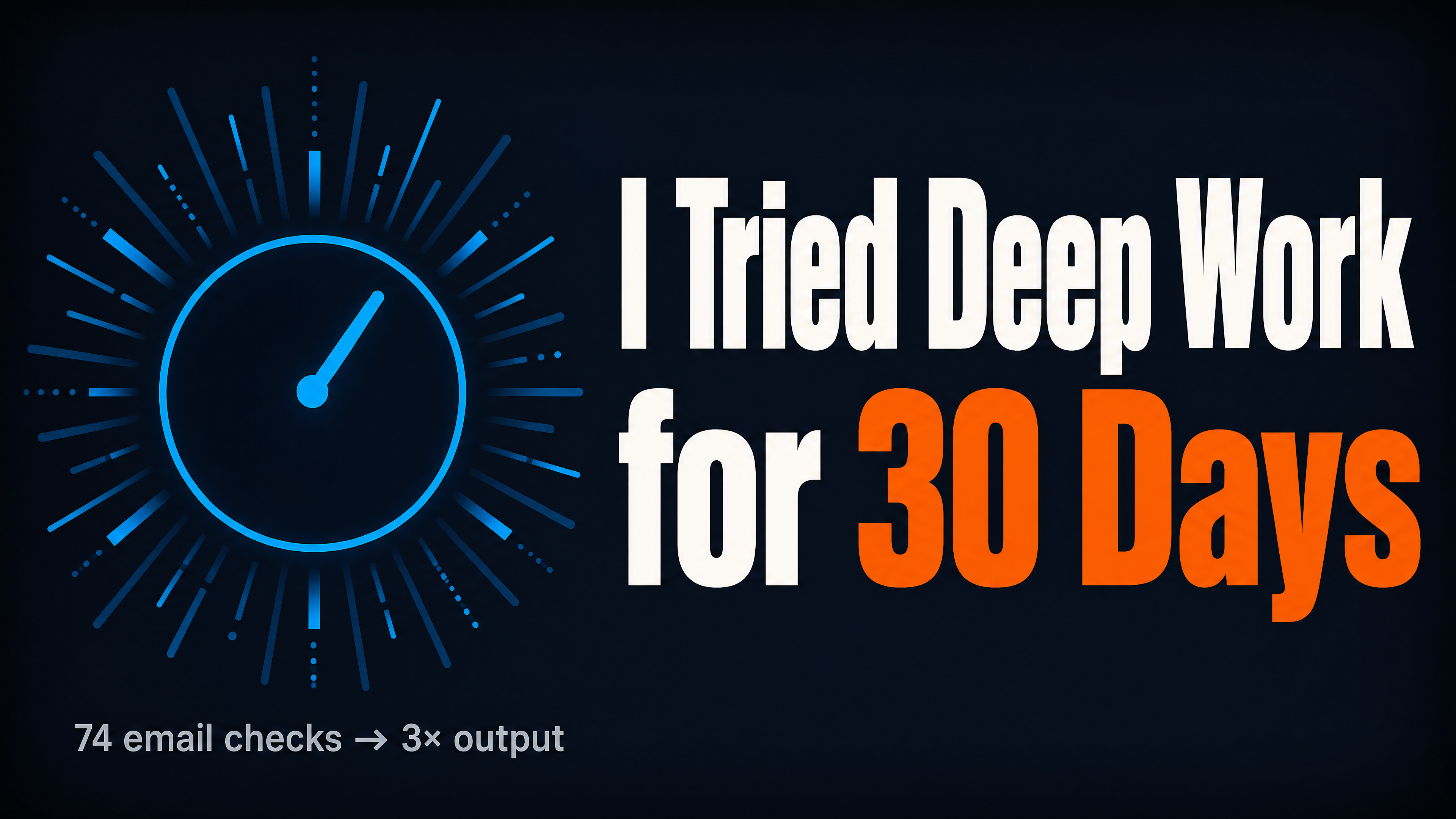
Generated in about a minute, ready to use.
Made with this tool
Generated in about a minute, ready to use.
From Content to YouTube Thumbnail
Chat with AI or drop your content — get professional youtube thumbnail instantly
Visual Assistant
Create visuals instantly
Document
PDF, Word, Text
URL
Blog, Article, Page
Text
Paste content
YouTube Thumbnail
16:9
Create with Visual Assistant
Describe what you need and watch AI create professional YouTube Thumbnail for you
Visual Assistant
From idea to professional design, effortlessly
Describe what you want to create
AI researches, writes, and designs
Download your YouTube Thumbnail
From Idea to Visual
Watch how Canvora creates professional visuals from any content — the same workflow powers every format including YouTube Thumbnail
YouTube Thumbnail
YouTube-optimized 16:9 format with bold text, high contrast, and curiosity-driven design. Readable at all sizes from browse to suggested videos.
Works great with
90% of top-performing YouTube videos use custom thumbnails
Your thumbnail is the biggest factor in click-through rate. A 2x CTR difference between good and bad thumbnails can make or break a video.
Perfect For
See how different professionals use YouTube Thumbnail
Tutorial Creators
Clear topic indication with value promise
Vloggers
Emotional expressions and story hints that hook viewers
Gaming Channels
Action shots and reaction faces that capture energy
Business Content
Professional aesthetic with intrigue-building numbers
Podcast Clips
Guest faces with topic teasers
Content Ideas
Not sure what to create? Start with these proven formats
What Is the YouTube Thumbnail Generator?
The YouTube Thumbnail Generator creates high-impact, click-worthy thumbnails in the standard 16:9 format. It is designed for YouTubers of all sizes who want to maximize their click-through rate with professional, curiosity-driven thumbnail designs that work at every display size.
Why Use AI to Create YouTube Thumbnails?
Your thumbnail is the single biggest factor in whether someone clicks your video. Yet many creators settle for screenshots or hastily made graphics because designing effective thumbnails is time-consuming. AI generates bold, high-contrast thumbnails with proven visual patterns, helping you maintain a professional look across your entire video library.
How It Works
- Add your content — Paste text, upload a document, or share a URL. Canvora's AI extracts the key messages automatically.
- Customize your style — Choose from multiple visual styles or apply your brand kit for consistent branding.
- Generate and download — Get professional YouTube thumbnails in seconds. Download in high resolution, ready to upload.
Tips for Best Results
- Use 3-5 words of bold text maximum; thumbnails are viewed at small sizes where long text becomes unreadable.
- Create a curiosity gap between the thumbnail and the title so viewers feel compelled to click for the answer.
- Use saturated colors and high contrast to ensure your thumbnail pops against YouTube's white and dark mode backgrounds.
Pair With These Templates
Maximize your reach by creating matching content across formats
Related Tools
Facebook Carousel Maker
Create engaging Facebook carousels that drive engagement. Multi-slide posts perfect for storytelling and showcases.
Facebook Graphics Generator
Create scroll-stopping Facebook posts, stories, and cover photos. Optimized graphics for maximum engagement on the world's largest social network.
Facebook Reel Cover Maker
Create scroll-stopping Facebook Reel covers. AI-designed thumbnails that boost views and engagement.
Ready to create YouTube Thumbnail?
AI transforms your content into professional visuals. No design skills required.
Free plan includes credits to start • No credit card required