Links with custom OG images get 2x more clicks
OG Image Generator
Create stunning Open Graph images for perfect link previews. Make your shares stand out on social media, Slack, and everywhere links are shared.
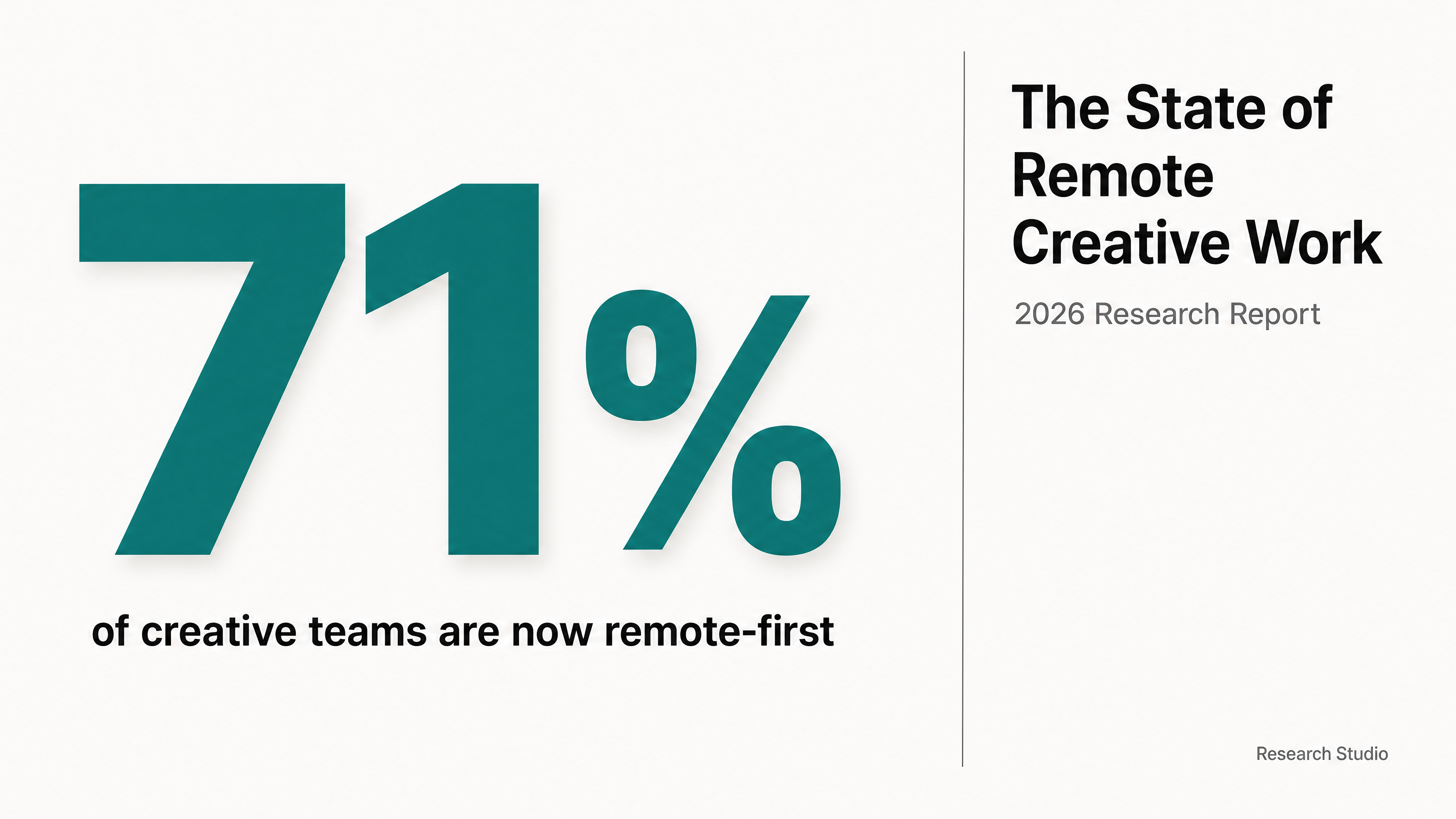

Generated in about a minute, ready to use.
Made with this tool
Generated in about a minute, ready to use.
From Content to OG Image
Chat with AI or drop your content — get professional og image instantly
Visual Assistant
Create visuals instantly
Document
PDF, Word, Text
URL
Blog, Article, Page
Text
Paste content
OG Image
16:9
Create with Visual Assistant
Describe what you need and watch AI create professional OG Image for you
Visual Assistant
From idea to professional design, effortlessly
Describe what you want to create
AI researches, writes, and designs
Download your OG Image
From Idea to Visual
Watch how Canvora creates professional visuals from any content — the same workflow powers every format including OG Image
OG Image
The universal Open Graph format. Works on Facebook, LinkedIn, Slack, Discord, Twitter/X, and all platforms that show link previews.
Works great with
Links with custom OG images get 2x more clicks
Your preview image is often the difference between a click and a scroll-past.
Perfect For
See how different professionals use OG Image
Blog Posts
Custom preview for every article
Landing Pages
Previews that convert when shared
Product Pages
Professional look in link shares
Documentation
Compelling previews for help content
Events
Shareable graphics for webinars
What Is OG Image Generator?
Canvora's OG Image Generator creates Open Graph images that control how your links look when shared on social media, Slack, Discord, and other platforms. It is essential for marketers, bloggers, and developers who want every shared link to make a strong visual impression.
Why Use AI to Create OG Images?
Most websites either use generic screenshots or skip OG images entirely, which means their links look bland and get ignored when shared. Designing custom OG images for every page is tedious, especially when you need proper dimensions, readable typography, and brand consistency. Canvora generates polished, correctly sized OG images from your content automatically — ready to drop into your meta tags.
How It Works
- Add your content — Paste text, a page title, or share a URL. Canvora's AI extracts the key message and creates a compelling preview image.
- Customize your style — Choose from multiple visual styles or apply your brand kit for consistent branding.
- Generate and download — Get a professional OG image in seconds. Download in high resolution, ready to add to your site's meta tags.
Tips for Best Results
- Keep the text on your OG image short — aim for a headline and optional subtitle, not a paragraph.
- Use high-contrast colors so the image remains legible at small preview sizes across different platforms.
- Generate OG images alongside blog headers to maintain visual consistency between your site and its social previews.
Pair With These Templates
Maximize your reach by creating matching content across formats
Related Tools
Blog Header Generator
Create stunning blog featured images and headers. Professional graphics that make your articles stand out and get clicked.
Email Header Generator
Create professional email headers, hero images, and newsletter graphics. Make every email visually compelling.
Landing Page Visual Kit
Generate a complete visual content kit from your landing page. Hero graphics, feature cards, social announcements, ads, and more — all in one click.
Ready to create OG Image?
AI transforms your content into professional visuals. No design skills required.
Free plan includes credits to start • No credit card required