Executives spend an average of 2.7 minutes on documents before deciding action
Executive Summary Generator
Transform lengthy documents into concise executive summaries. Professional briefs that busy leaders actually read.
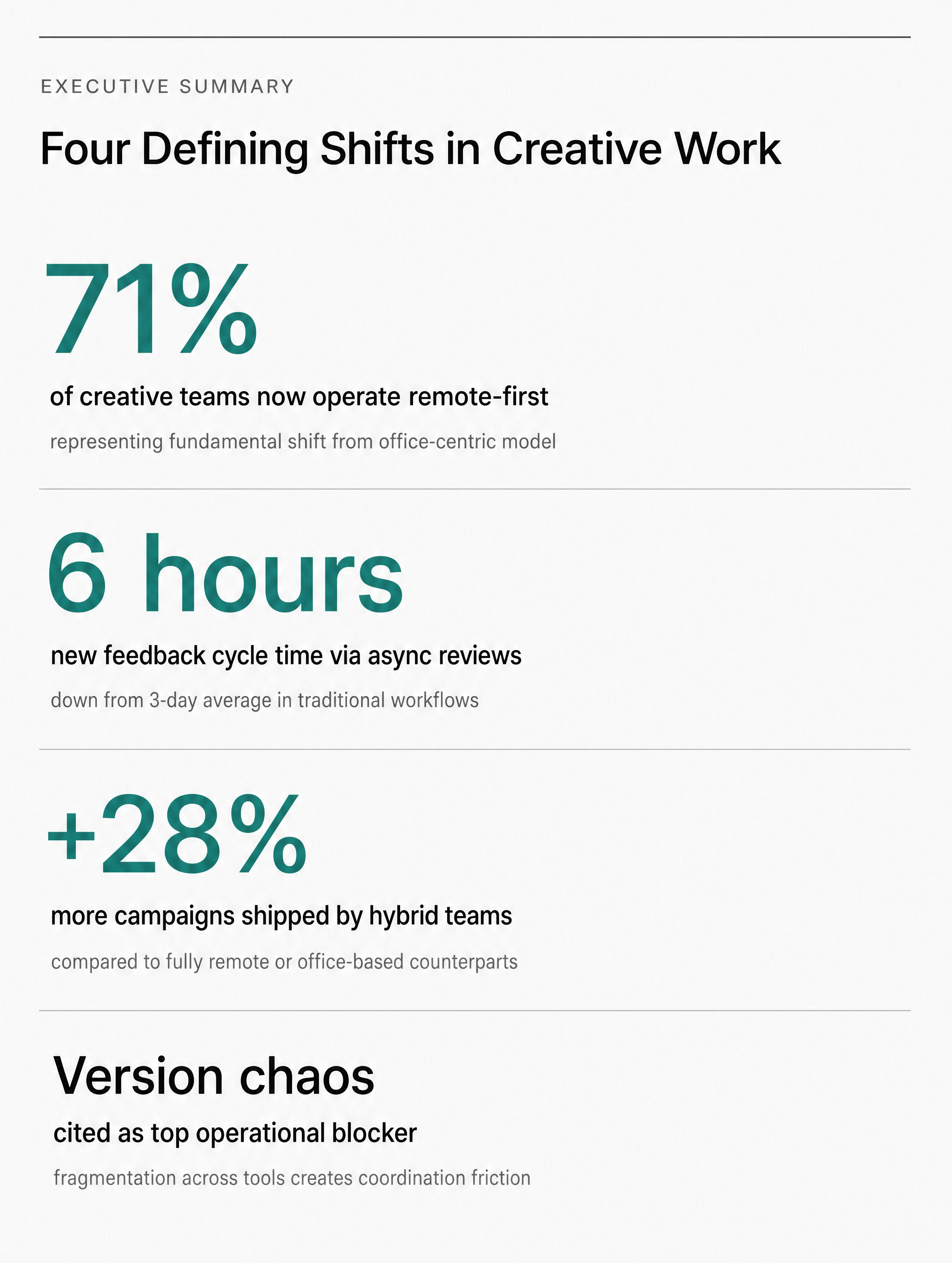

Generated in about a minute, ready to use.
Made with this tool
Generated in about a minute, ready to use.
From Content to Executive Summary
Chat with AI or drop your content — get professional executive summary instantly
Visual Assistant
Create visuals instantly
Document
PDF, Word, Text
URL
Blog, Article, Page
Text
Paste content
Executive Summary
Letter/A4 (1-2 pages)
Create with Visual Assistant
Describe what you need and watch AI create professional Executive Summary for you
Visual Assistant
From idea to professional design, effortlessly
Describe what you want to create
AI researches, writes, and designs
Download your Executive Summary
From Idea to Visual
Watch how Canvora creates professional visuals from any content — the same workflow powers every format including Executive Summary
Executive Summary
Concise documents with key findings, implications, and recommendations. Structured for busy decision-makers.
Works great with
Executives spend an average of 2.7 minutes on documents before deciding action
Leadership doesn't read 50-page reports. They read summaries. Communicate key insights to decision-makers in the format they need.
Perfect For
See how different professionals use Executive Summary
Consulting Deliverables
Client-ready summaries that get read
Research Reports
Findings that reach decision-makers
Project Updates
Status reports that inform without overwhelming
Board Presentations
Board-ready documents with key metrics
Strategic Proposals
Recommendations that drive action
Content Ideas
Not sure what to create? Start with these proven formats
What Is the Executive Summary Generator?
The Executive Summary Generator transforms lengthy reports, research documents, and proposals into concise, visually structured one- to two-page summaries. It is built for consultants, analysts, project managers, and anyone who needs to communicate key findings to busy decision-makers.
Why Use AI to Create Executive Summaries?
Condensing a 50-page report into a clear, actionable summary is a high-skill task that takes hours of reading, synthesizing, and formatting. AI handles all three steps simultaneously, extracting the key findings, structuring recommendations, and producing a professionally formatted document. Decision-makers get the information they need in the format they prefer, and you save hours of editorial work.
How It Works
- Add your content — Paste your report text, upload a PDF or document, or share a URL. Canvora's AI identifies the key findings, data points, and recommendations.
- Customize your style — Choose from multiple visual styles or apply your brand kit for a polished, professional presentation.
- Generate and download — Get a professional executive summary in seconds. Download in high resolution, ready for stakeholder review or board distribution.
Tips for Best Results
- Provide the full source document rather than excerpts so the AI can identify the most important points in context.
- Include any specific recommendations or action items you want highlighted in the summary.
- Pair your executive summary with presentation slides when you need to present the findings in a meeting setting.
Pair With These Templates
Maximize your reach by creating matching content across formats
Related Tools
Cheat Sheet Generator
Create quick-reference cheat sheets and guides. Essential information in scannable, practical format.
eBook Cover Generator
Create professional eBook covers that stand out. Turn your digital publications into visually compelling products.
Mind Map Generator
Visualize ideas and concepts as mind maps. Transform complex topics into clear, connected visual diagrams.
Ready to create Executive Summary?
AI transforms your content into professional visuals. No design skills required.
Free plan includes credits to start • No credit card required