Infographics are shared 3x more than text-based content
Report to Infographic
Transform dense reports, research, and data into stunning infographics. Make complex information visual, shareable, and impossible to ignore.
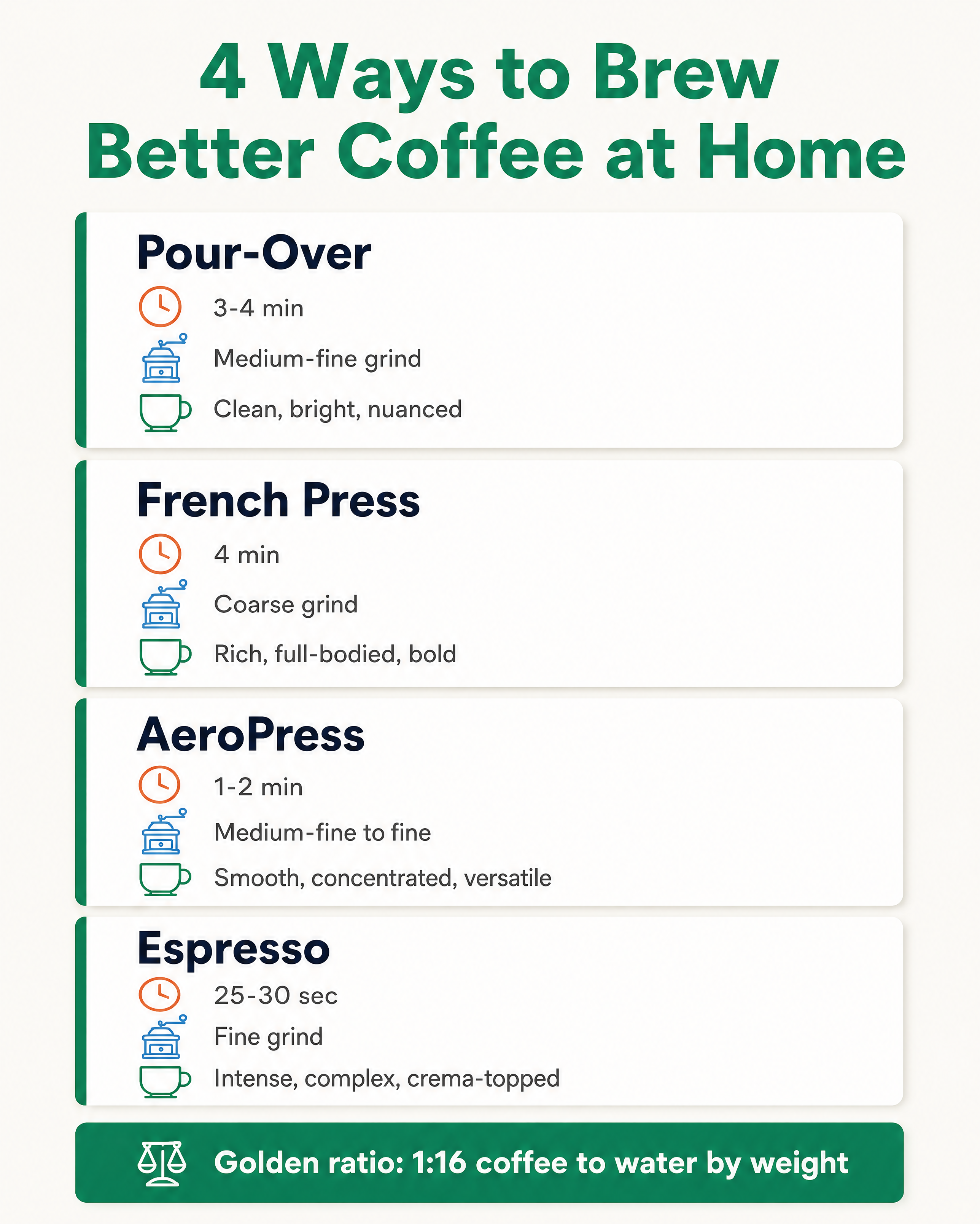

Generated in about a minute, ready to use.
Made with this tool
Generated in about a minute, ready to use.
From Content to Infographic Set
Chat with AI or drop your content — get professional infographic set instantly
Visual Assistant
Create visuals instantly
Document
PDF, Word, Text
URL
Blog, Article, Page
Text
Paste content
Infographic Set
4:5 / 2:5 / 16:9
Create with Visual Assistant
Describe what you need and watch AI create professional Infographic Set for you
Visual Assistant
From idea to professional design, effortlessly
Describe what you want to create
AI researches, writes, and designs
Download your Infographic Set
From Idea to Visual
Watch how Canvora creates professional visuals from any content — the same workflow powers every format including Infographic Set
Infographic Set
Multiple infographic formats from your report data. Summary cards, stat graphics, and full infographics.
Works great with
Infographics are shared 3x more than text-based content
Reports get downloaded once and forgotten. Infographics spread your insights and establish your authority.
Perfect For
See how different professionals use Infographic Set
Research Teams
Academic insights become accessible, shareable visuals
Data Analysts
Quarterly reports and market analysis made digestible
Marketing Teams
Industry reports transformed into thought leadership content
Consultants
Frameworks and findings that clients save and share
Communications Teams
Annual reports and impact summaries made engaging
Content Ideas
Not sure what to create? Start with these proven formats
What Is the Report to Infographic Tool?
The Report to Infographic tool converts dense reports, research papers, and data documents into visually compelling infographics. It is designed for research teams, analysts, consultants, and communications professionals who need to make complex information accessible and shareable.
Why Use AI to Create Infographics from Reports?
Most reports are read once and forgotten. Turning key findings into infographics makes your data visible, shareable, and far more likely to influence decisions. Manually designing infographics from lengthy documents takes hours of extracting data, choosing layouts, and styling charts. AI reads your entire report and produces multiple infographic formats -- summary cards, stat graphics, and comparison visuals -- in seconds.
How It Works
- Add your content -- Upload a PDF report, paste text, or share a URL. Canvora's AI extracts the key data and findings automatically.
- Customize your style -- Choose from multiple visual styles or apply your brand kit for consistent branding.
- Generate and download -- Get professional infographics in seconds. Download in high resolution, ready to publish or present.
Tips for Best Results
- Upload the full report rather than just an excerpt so the AI can identify the most impactful data points across the entire document.
- Pair infographic outputs with stat cards and executive summary formats for a complete visual content package.
- Include source citations in your input content so they carry through to the final graphics for credibility.
Pair With These Templates
Maximize your reach by creating matching content across formats
Related Tools
Checklist Generator
Create beautiful, actionable checklist graphics. Turn processes and requirements into visual checklists that people save and use.
Comparison Chart Generator
Create clear, visual comparison charts. Side-by-side analysis that makes complex comparisons instantly understandable.
Process Flow Generator
Visualize complex processes as clear flow diagrams. Create professional process flows that explain workflows, decisions, and systems.
Ready to create Infographic Set?
AI transforms your content into professional visuals. No design skills required.
Free plan includes credits to start • No credit card required