Posts with multiple images get 2x more engagement than single images
X Multi-Image Post Maker
Create impactful X/Twitter multi-image posts. Up to 4 images that tell a complete story or showcase data.
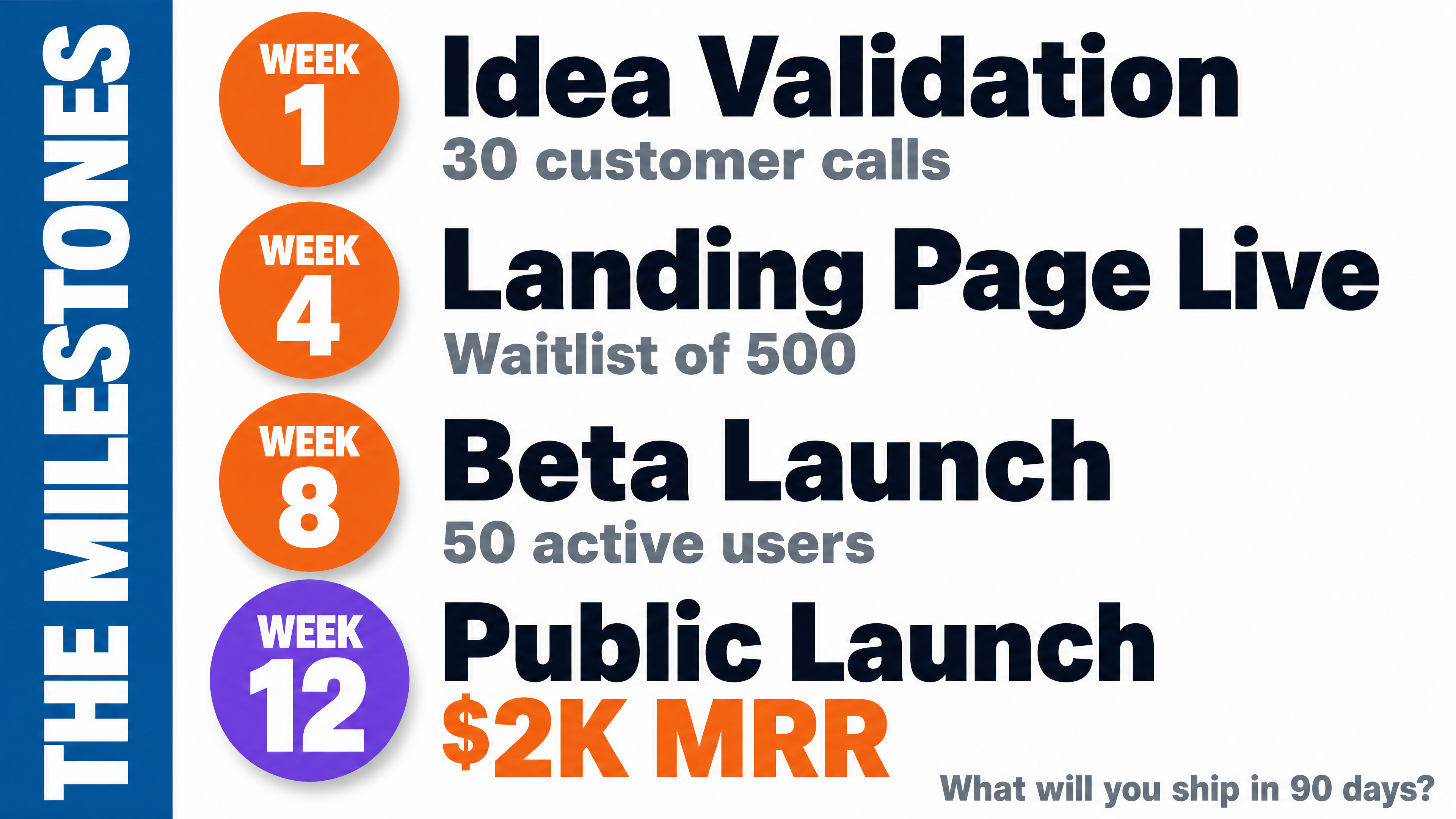
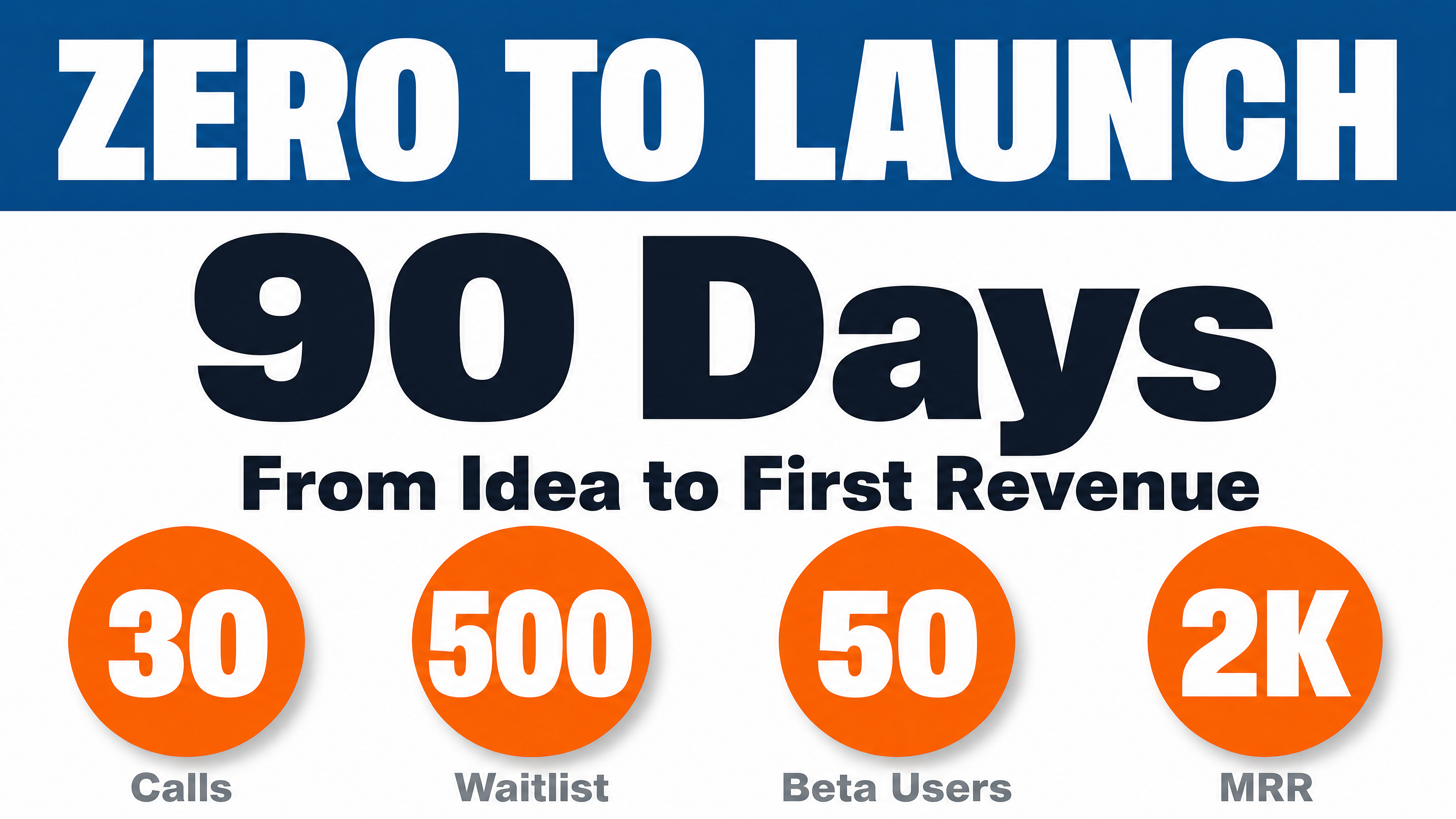
Generated in about a minute, ready to use.
Made with this tool
Generated in about a minute, ready to use.
From Content to X Multi-Image
Chat with AI or drop your content — get professional x multi-image instantly
Visual Assistant
Create visuals instantly
Document
PDF, Word, Text
URL
Blog, Article, Page
Text
Paste content
X Multi-Image
16:9 (1200x675)
Create with Visual Assistant
Describe what you need and watch AI create professional X Multi-Image for you
Visual Assistant
From idea to professional design, effortlessly
Describe what you want to create
AI researches, writes, and designs
Download your X Multi-Image
From Idea to Visual
Watch how Canvora creates professional visuals from any content — the same workflow powers every format including X Multi-Image
X Multi-Image
Landscape images optimized for X/Twitter's multi-image grid. AI creates cohesive sets of up to 4 images.
Works great with
Posts with multiple images get 2x more engagement than single images
X's algorithm favors visual content. Multi-image posts create more surface area for engagement.
Perfect For
See how different professionals use X Multi-Image
Data & Analytics
Share charts, comparisons, and data visualizations
Product Launches
Feature highlights and product shots
News & Commentary
Visual breakdowns of trending topics
Creators & Artists
Portfolio showcases and work-in-progress
Content Ideas
Not sure what to create? Start with these proven formats
What Is the X Multi-Image Post Maker?
The X Multi-Image Post Maker creates coordinated sets of up to four images optimized for X/Twitter's multi-image grid layout. It is designed for creators, marketers, and analysts who want to tell a visual story, present data, or showcase products within a single post.
Why Use AI to Create Multi-Image Posts?
Multi-image posts on X earn significantly more engagement than single-image tweets, but designing a cohesive set of 2-4 images with consistent styling is tedious work. AI generates coordinated image sets from your content in one step, ensuring visual consistency across every panel in the grid.
How It Works
- Add your content — Paste text, upload a document, or share a URL. Canvora's AI extracts the key messages automatically.
- Customize your style — Choose from multiple visual styles or apply your brand kit for consistent branding.
- Generate and download — Get professional multi-image sets in seconds. Download in high resolution, ready to publish.
Tips for Best Results
- Structure your input into distinct points or sections so each image in the set covers a different angle.
- Use a consistent color palette across all images to create a visually unified grid when posted together.
- Keep text minimal on each image since viewers see them at reduced size in the multi-image layout.
Pair With These Templates
Maximize your reach by creating matching content across formats
Related Tools
Facebook Carousel Maker
Create engaging Facebook carousels that drive engagement. Multi-slide posts perfect for storytelling and showcases.
Facebook Graphics Generator
Create scroll-stopping Facebook posts, stories, and cover photos. Optimized graphics for maximum engagement on the world's largest social network.
Facebook Reel Cover Maker
Create scroll-stopping Facebook Reel covers. AI-designed thumbnails that boost views and engagement.
Ready to create X Multi-Image?
AI transforms your content into professional visuals. No design skills required.
Free plan includes credits to start • No credit card required