Cheat Sheet Templates
Condense knowledge into quick-reference guides

Create with Visual Assistant
Describe what you need and watch AI create professional cheat sheet templates for you
Visual Assistant
From idea to professional design, effortlessly
From Idea to Visual
Watch how Canvora creates professional visuals from any content — the same workflow powers every format including Free Cheat Sheet Templates | AI Cheat Sheet Maker
Made with this tool
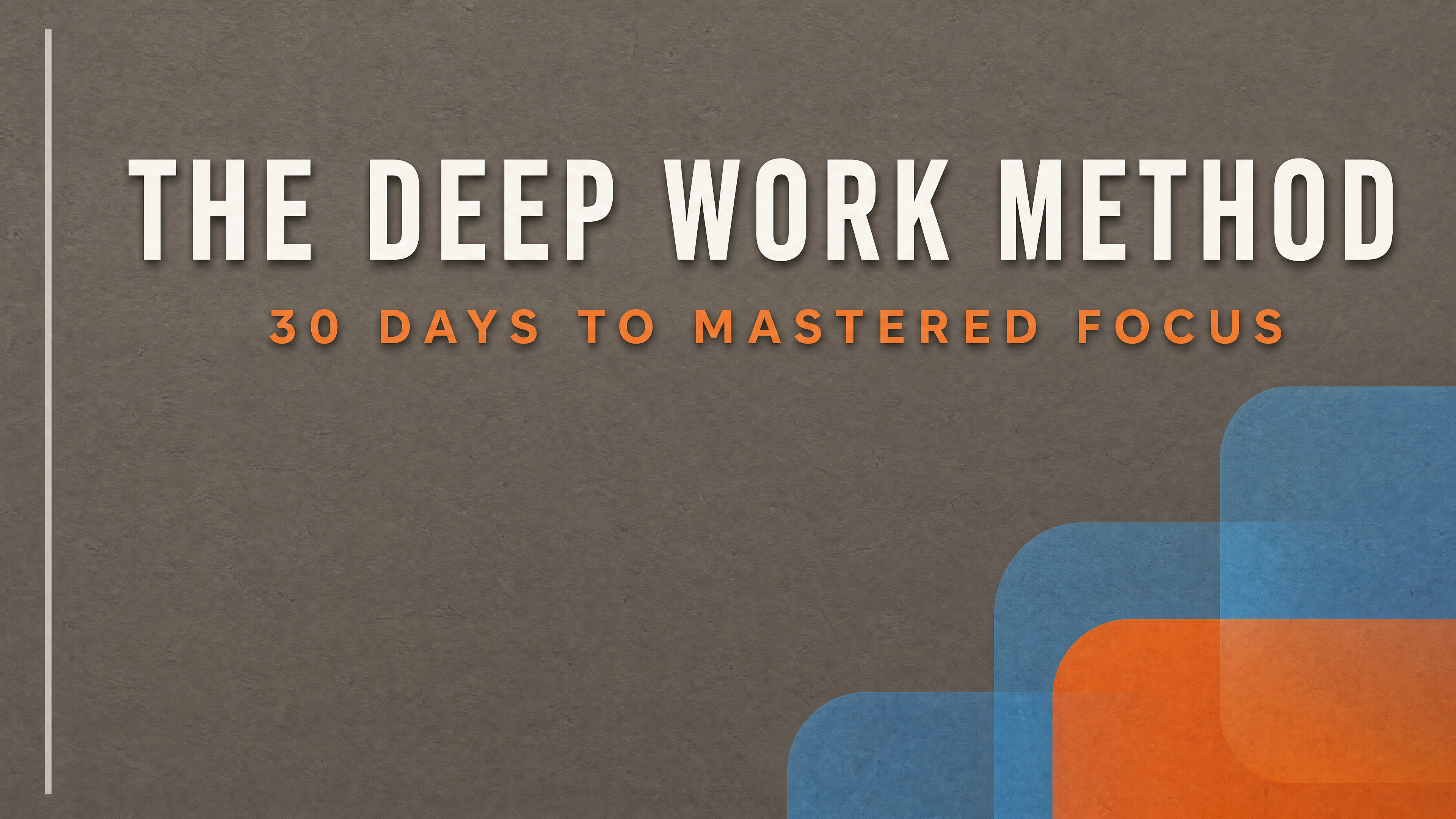
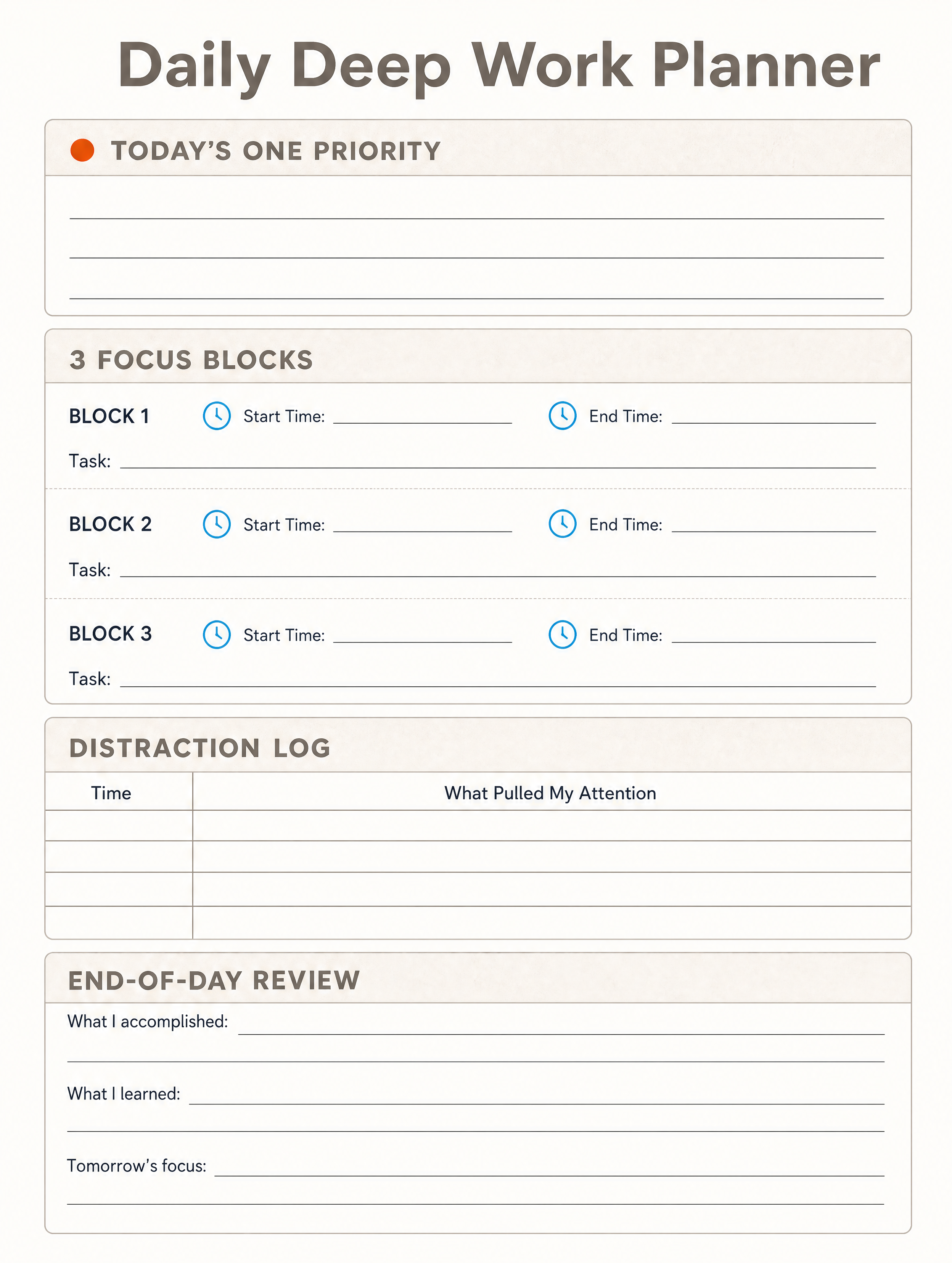
Generated in about a minute, ready to use.


Perfect For
See how different professionals use cheat sheet templates
Educators
Create study guides and quick reference materials
Content Marketers
Lead magnets and downloadable resources
Technical Writers
Command references, shortcuts, and syntax guides
Trainers
Workshop handouts and training materials
Features
Everything you need to create stunning cheat sheet templates
Smart Organization
AI groups related information into scannable sections
Visual Hierarchy
Headers, bullets, and highlights for easy scanning
Compact Design
Maximum information in minimum space
Print Ready
Optimized for both digital and print use
Frequently Asked Questions
How do I create a cheat sheet?
Paste your content, notes, or documentation into Canvora. Our AI organizes it into a scannable, well-designed cheat sheet instantly.
What makes a good cheat sheet?
Effective cheat sheets are scannable, well-organized, and highlight the most important information. Canvora's AI handles the structure and design automatically.
Can I use cheat sheets as lead magnets?
Absolutely! Cheat sheets make excellent lead magnets. Create valuable quick-reference guides to grow your email list.
What formats can I download?
Download as PNG or JPG for digital sharing and printing. All exports are high-resolution and print-ready.
Can I customize the cheat sheet layout?
Yes! After generation, adjust sections, reorder content, change colors, and fine-tune the design to your needs.
About Cheat Sheet Templates
Cheat sheets condense complex information into a single, scannable reference document. They are one of the most shared and saved content formats online because they deliver immediate, practical value. Canvora's cheat sheet templates organize your content into clear sections with visual hierarchy, making dense material accessible to students, professionals, and anyone who needs quick answers.
When to Use Cheat Sheet Templates
Cheat sheets work best when you need to distill a large body of knowledge into a quick-reference guide. Use them as lead magnets to grow your email list, as classroom handouts for students, as onboarding materials for new team members, or as shareable resources for technical topics like keyboard shortcuts, coding syntax, or industry frameworks.
Create Professional Cheat Sheets in Seconds
Canvora's AI generates well-organized cheat sheets from any content — paste text, upload a document, or share a URL. Your brand colors, fonts, and style are applied automatically. Download high-resolution files ready for digital sharing or printing.
Looking for more options?
Explore the Cheat Sheet Templates ToolRelated Templates
Ready to create cheat sheet templates?
Start with free credits. No credit card required.