Course Thumbnail Templates
Design compelling thumbnails that boost course enrollments and engagement

Create with Visual Assistant
Describe what you need and watch AI create professional course thumbnail templates for you
Visual Assistant
From idea to professional design, effortlessly
From Idea to Visual
Watch how Canvora creates professional visuals from any content — the same workflow powers every format including Free Course Thumbnail Templates | AI Course Thumbnail Generator
Made with this tool
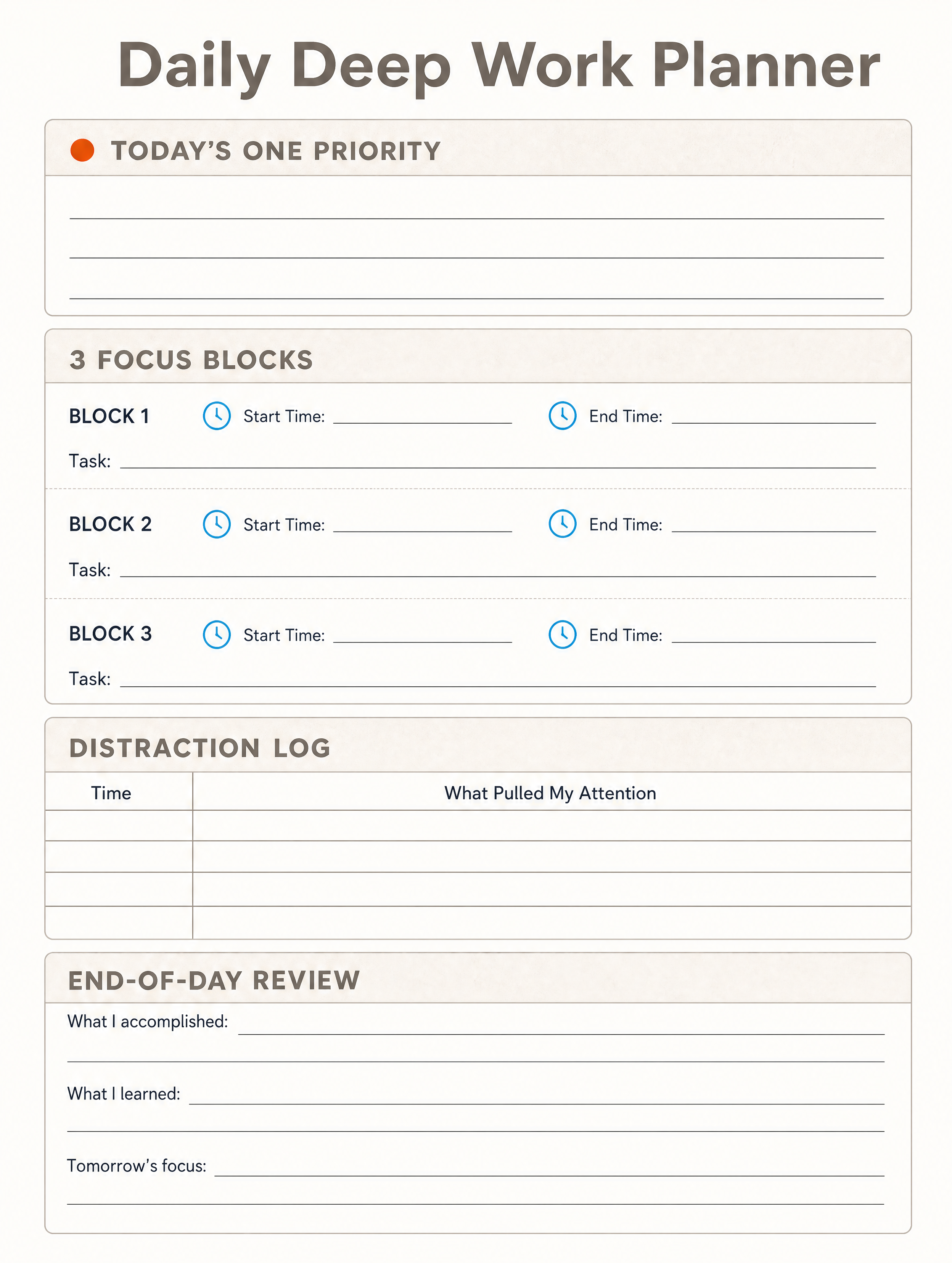
Generated in about a minute, ready to use.



Perfect For
See how different professionals use course thumbnail templates
Course Creators
Create thumbnails that stand out on Udemy, Skillshare, and Teachable
Corporate L&D
Design consistent thumbnails for internal training catalogs
Educators
Build professional lesson and module thumbnails
Coaches & Consultants
Create polished thumbnails for coaching programs and masterclasses
Features
Everything you need to create stunning course thumbnail templates
Platform Optimized
Correct dimensions for Udemy, Coursera, Skillshare, and more
Educational Styling
Professional designs that convey credibility and expertise
Clear Typography
Readable course titles that work at any display size
Brand Consistency
Apply your brand colors across your entire course catalog
Frequently Asked Questions
What course thumbnail sizes does Canvora support?
Canvora generates thumbnails optimized for major platforms: Udemy (16:9, 750x422px minimum), Skillshare (16:9), Teachable (16:9), and custom dimensions for internal LMS platforms.
How do I create a course thumbnail?
Enter your course title, topic, and target audience. AI generates a professional thumbnail that conveys the value of your course and attracts potential students.
Can I create consistent thumbnails for multiple courses?
Yes! Set up your brand kit with colors and fonts. Every thumbnail you generate will maintain visual consistency across your entire course catalog.
What makes an effective course thumbnail?
Great course thumbnails have clear, readable titles, professional imagery, and convey the course topic instantly. They work well at small sizes and stand out in search results.
Can I customize thumbnails after generation?
Absolutely! Edit text, adjust colors, modify layouts, and fine-tune every element to achieve your ideal course thumbnail.
About Course Thumbnail Templates
Course thumbnails are the storefront of online education. On platforms like Udemy, Skillshare, and Teachable, the thumbnail is often the deciding factor between a click and a scroll-past. Canvora's course thumbnail templates are built to platform specifications in 16:9 format, with clear typography that remains readable even at small display sizes and professional imagery that conveys expertise and credibility.
When to Use Course Thumbnail Templates
Create course thumbnails whenever you launch a new online course, update an existing one, or build out a catalog of learning modules. They are also valuable for corporate training programs that need a polished, consistent look across an internal LMS, and for coaches who want their masterclass or workshop series to look professional.
Create Professional Course Thumbnails in Seconds
Canvora's AI generates platform-ready course thumbnails from any content — paste your course title and description, upload a document, or share a URL. Your brand colors, fonts, and style are applied automatically. Download high-resolution files ready to upload to any learning platform.
Looking for more options?
Explore the Course Thumbnail Templates ToolRelated Templates
Ready to create course thumbnail templates?
Start with free credits. No credit card required.