Professional course thumbnails can increase enrollment rates by 30%
Course Thumbnail Generator
Create compelling course and lesson thumbnails. Graphics that sell your courses and increase completion rates.

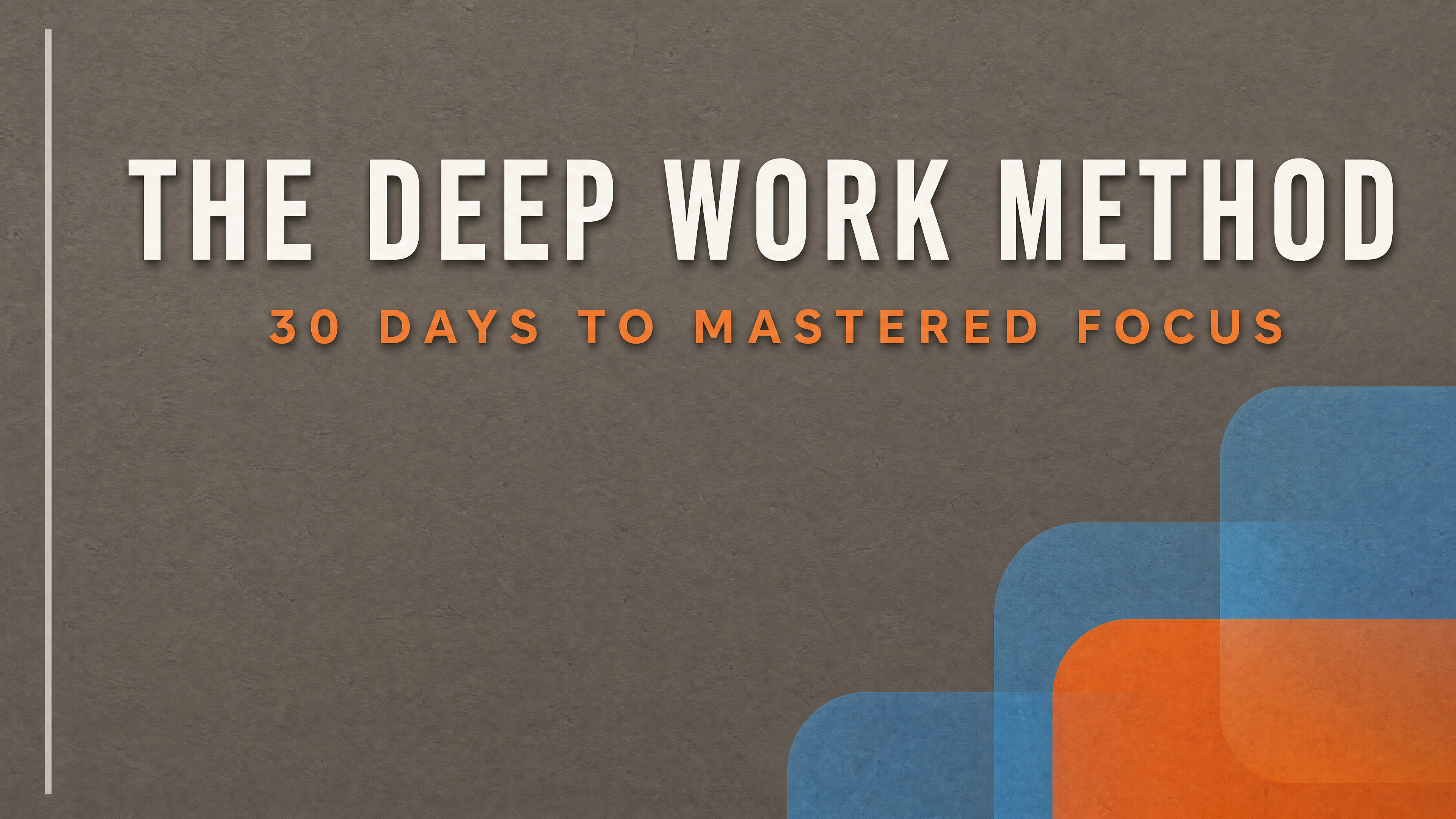
Generated in about a minute, ready to use.
Made with this tool
Generated in about a minute, ready to use.
From Content to Course Thumbnail
Chat with AI or drop your content — get professional course thumbnail instantly
Visual Assistant
Create visuals instantly
Document
PDF, Word, Text
URL
Blog, Article, Page
Text
Paste content
Course Thumbnail
16:9
Create with Visual Assistant
Describe what you need and watch AI create professional Course Thumbnail for you
Visual Assistant
From idea to professional design, effortlessly
Describe what you want to create
AI researches, writes, and designs
Download your Course Thumbnail
From Idea to Visual
Watch how Canvora creates professional visuals from any content — the same workflow powers every format including Course Thumbnail
Course Thumbnail
Platform-compatible course and lesson thumbnails that communicate value and maintain engagement.
Works great with
Professional course thumbnails can increase enrollment rates by 30%
Your thumbnail is your first sale. It must communicate topic, value, and quality in a single glance.
Perfect For
See how different professionals use Course Thumbnail
Course Creators
Professional thumbnails for course marketplaces
Corporate Training
Consistent training library visuals
Coaching Programs
Curriculum and module graphics
Tutorial Series
Consistent lesson series thumbnails
Educational Institutions
Course catalog standardization
Content Ideas
Not sure what to create? Start with these proven formats
What Is the Course Thumbnail Generator?
The Course Thumbnail Generator creates professional thumbnails for online courses, lessons, and training modules. It is designed for course creators, educators, corporate trainers, and coaching professionals who want their learning content to look polished and drive higher enrollment and completion rates.
Why Use AI to Create Course Thumbnails?
A course with inconsistent or low-quality thumbnails signals amateur production, which directly impacts enrollment rates and student trust. Designing individual thumbnails for every lesson is tedious, especially for large courses with dozens of modules. AI generation produces visually consistent, professional thumbnails across your entire course library in minutes, maintaining the cohesive look that communicates quality.
How It Works
- Add your content — Paste your course title and lesson names, upload a curriculum document, or share a URL. Canvora's AI captures the topic and structure.
- Customize your style — Choose from multiple visual styles or apply your brand kit so every thumbnail matches your course branding.
- Generate and download — Get professional course thumbnails in seconds. Download in high resolution, ready for Udemy, Teachable, or any learning platform.
Tips for Best Results
- Use a consistent visual style across all lesson thumbnails to create a cohesive, professional course library.
- Keep text minimal on thumbnails since they are often displayed at small sizes where dense text becomes unreadable.
- Include module numbers or section labels to help students navigate your course content visually.
Pair With These Templates
Maximize your reach by creating matching content across formats
Related Tools
Presentation Slide Generator
Create stunning presentation slides from your content. Transform documents and notes into professional slide decks.
Training Slide Generator
Create effective training and educational slides. Turn learning content into engaging visual materials that teach.
Webinar Graphics Generator
Create professional webinar slides and promotional graphics. Everything you need for virtual events that engage.
Ready to create Course Thumbnail?
AI transforms your content into professional visuals. No design skills required.
Free plan includes credits to start • No credit card required