Threads Post Templates
Create posts that spark conversations on Threads
Create with Visual Assistant
Describe what you need and watch AI create professional threads post templates for you
Visual Assistant
From idea to professional design, effortlessly
From Idea to Visual
Watch how Canvora creates professional visuals from any content — the same workflow powers every format including Free Threads Post Templates | AI Threads Image Maker
Made with this tool
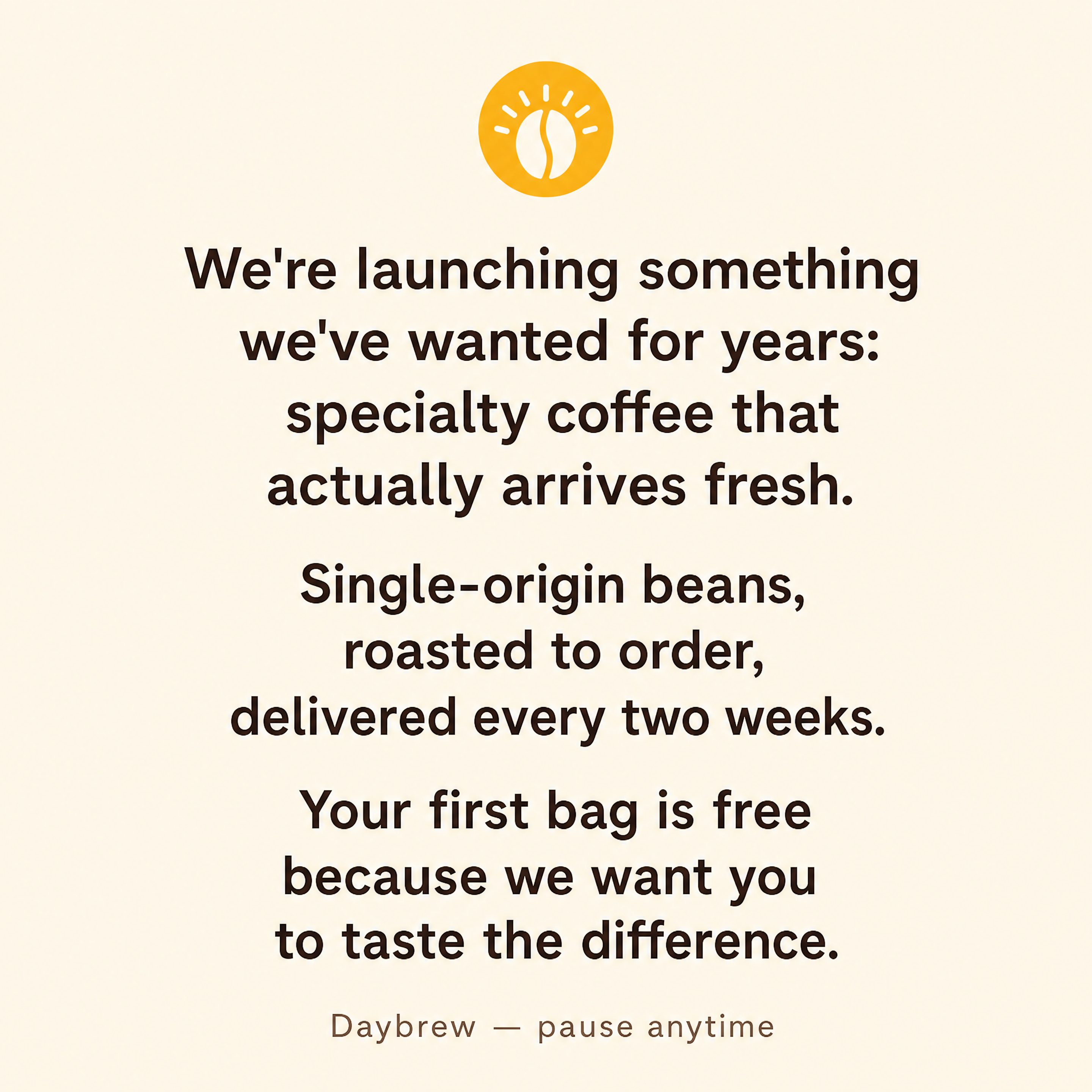
Generated in about a minute, ready to use.


Perfect For
See how different professionals use threads post templates
Content Creators
Build your Threads presence with consistent, engaging visuals
Brands
Establish your brand voice on Meta's text-focused platform
Thought Leaders
Share insights and hot takes with visual impact
Community Builders
Create posts that encourage replies and conversations
Features
Everything you need to create stunning threads post templates
Conversation Starter
Designs that encourage replies and engagement
Minimal Aesthetic
Clean designs that match Threads' modern interface
Text-Forward Design
Typography-focused layouts perfect for quotes and takes
Dark Mode Optimized
Looks great in Threads' dark theme
Frequently Asked Questions
What size should Threads post images be?
Threads posts work best with 1:1 square format (1080x1080 pixels). Canvora generates images in this optimal dimension.
How do I stand out on Threads?
Threads is a text-focused platform, so visual posts stand out. Use clean, typography-forward designs that complement your message rather than overwhelm it.
Can I cross-post to Instagram?
Yes! Threads posts in 1:1 format work perfectly on Instagram. Create once and share to both platforms.
What content works best on Threads?
Hot takes, insights, conversation starters, and quick tips perform well. Canvora helps you visualize any of these content types with clean, engaging designs.
About Threads Post Templates
Threads posts are single-image visuals tailored for Meta's text-first social platform. With a clean, typography-driven design, these templates help content creators, brands, and thought leaders stand out in a feed that favors conversation over polish. The 1:1 square format also cross-posts seamlessly to Instagram.
When to Use Threads Post Templates
Choose a Threads post template when you want to visualize a hot take, share a quote, highlight a key insight, or promote a piece of content. They work best when your message is short, punchy, and designed to invite replies from your audience.
Create Professional Threads Posts in Seconds
Canvora's AI generates Threads post images from any content — paste text, upload a document, or share a URL. Your brand colors, fonts, and style are applied automatically. Download high-resolution files ready to publish.
Looking for more options?
Explore the Threads Post Templates ToolReady to create threads post templates?
Start with free credits. No credit card required.