Visual Threads posts get 38% more engagement than text-only posts
Threads Post Generator
Create engaging Threads graphics that stand out in the feed. Visual content optimized for Meta's text-first conversation platform.
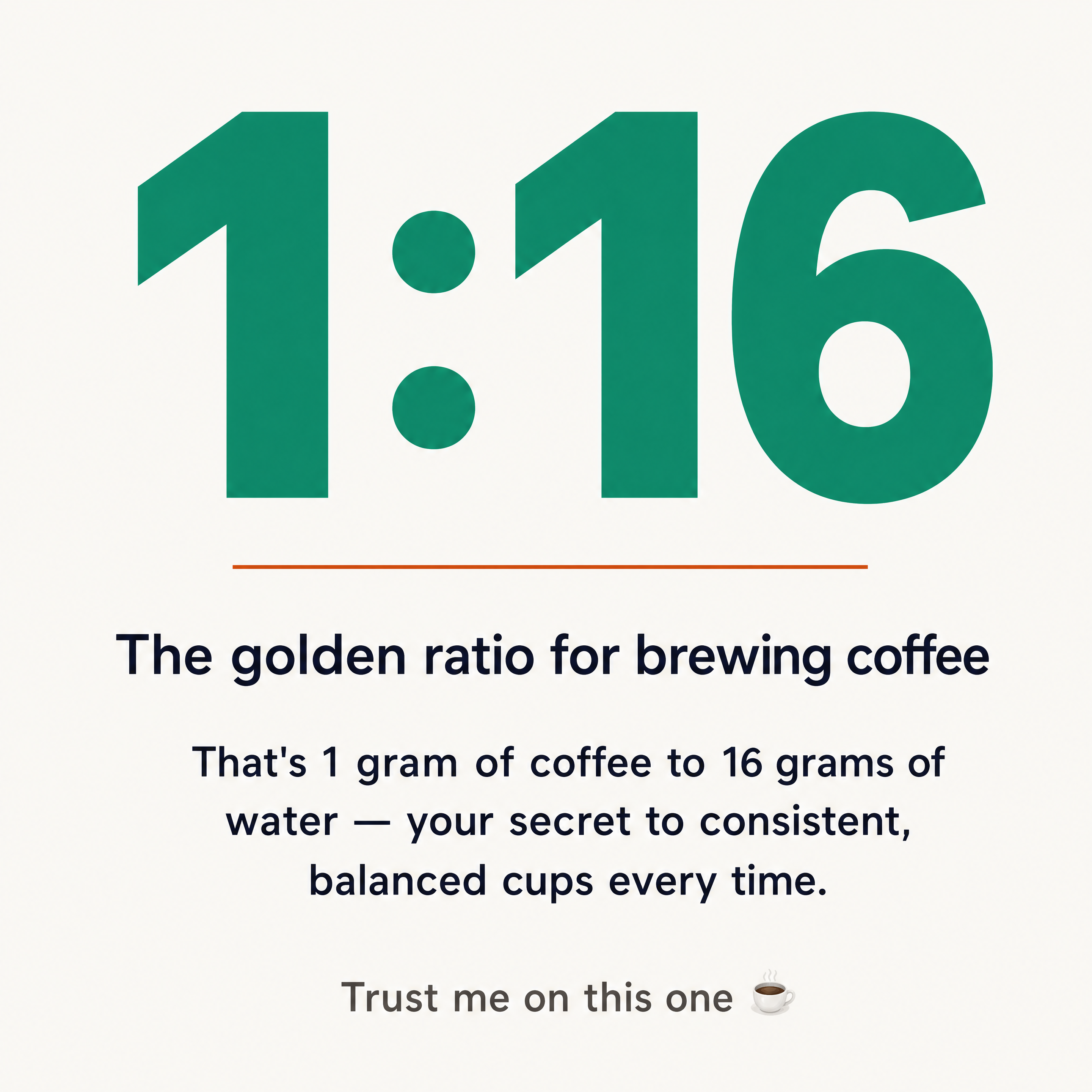
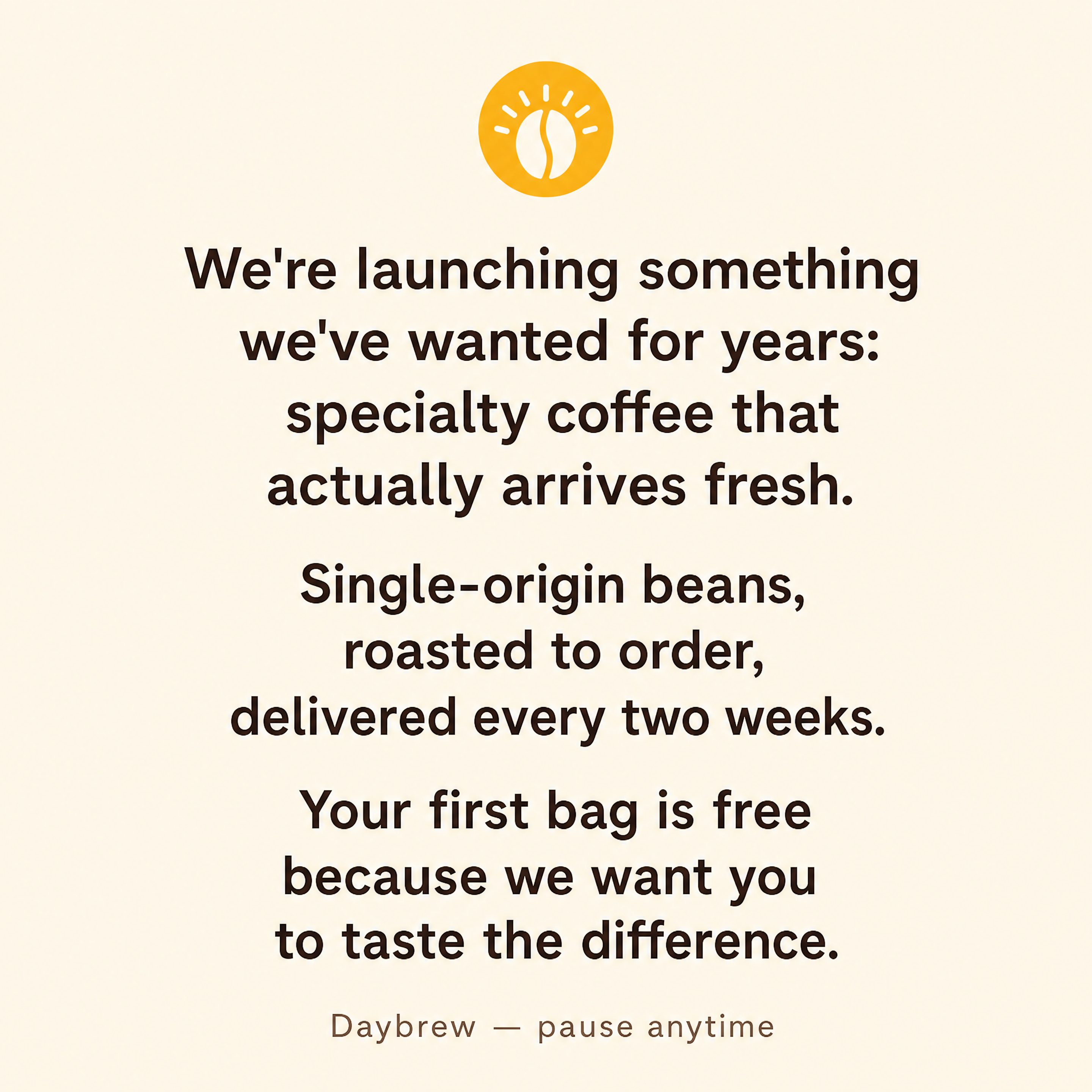
Generated in about a minute, ready to use.
Made with this tool
Generated in about a minute, ready to use.
From Content to Threads Post
Chat with AI or drop your content — get professional threads post instantly
Visual Assistant
Create visuals instantly
Document
PDF, Word, Text
URL
Blog, Article, Page
Text
Paste content
Threads Post
1:1 / 4:5
Create with Visual Assistant
Describe what you need and watch AI create professional Threads Post for you
Visual Assistant
From idea to professional design, effortlessly
Describe what you want to create
AI researches, writes, and designs
Download your Threads Post
From Idea to Visual
Watch how Canvora creates professional visuals from any content — the same workflow powers every format including Threads Post
Threads Post
Graphics optimized for Threads' text-first feed. Visual content that enhances conversations and drives engagement.
Works great with
Visual Threads posts get 38% more engagement than text-only posts
While Threads favors conversation, images stop the scroll. Graphics complement your words and make posts more shareable.
Perfect For
See how different professionals use Threads Post
Thought Leadership
Turn insights into visual content that amplifies your voice
Brand Presence
Maintain visual identity in the conversational platform
Content Repurposing
Graphics that work across Threads, Instagram, and Twitter
Data & Stats
Visual callouts that make numbers memorable
Engagement Hooks
Images that spark replies and discussion
Content Ideas
Not sure what to create? Start with these proven formats
What Is the Threads Post Generator?
The Threads Post Generator creates visual graphics optimized for Meta's Threads platform. It is built for brands, creators, and professionals who want to stand out in a text-dominated feed with polished visuals that complement their written content and drive higher engagement.
Why Use AI to Create Threads Posts?
Threads is a text-first platform, which means visual posts immediately stand out in the feed. Adding a well-designed graphic to your Threads post can significantly increase engagement, saves, and shares. But creating platform-appropriate visuals -- with the right dimensions, contrast levels, and design tone -- takes time. AI generates on-brand graphics instantly, so you can pair every important post with a visual that stops the scroll.
How It Works
- Add your content -- Paste text, upload a document, or share a URL. Canvora's AI extracts the key messages automatically.
- Customize your style -- Choose from multiple visual styles or apply your brand kit for consistent branding.
- Generate and download -- Get professional Threads post graphics in seconds. Download in high resolution, ready to publish.
Tips for Best Results
- Use high-contrast designs with bold typography since Threads displays images at smaller sizes in the feed.
- Repurpose your best-performing Threads graphics to Instagram and Twitter for maximum reach across platforms.
- Match the visual tone to Threads' conversational culture -- polished but approachable works better than overly corporate designs.
Pair With These Templates
Maximize your reach by creating matching content across formats
Related Tools
Facebook Carousel Maker
Create engaging Facebook carousels that drive engagement. Multi-slide posts perfect for storytelling and showcases.
Facebook Graphics Generator
Create scroll-stopping Facebook posts, stories, and cover photos. Optimized graphics for maximum engagement on the world's largest social network.
Facebook Reel Cover Maker
Create scroll-stopping Facebook Reel covers. AI-designed thumbnails that boost views and engagement.
Ready to create Threads Post?
AI transforms your content into professional visuals. No design skills required.
Free plan includes credits to start • No credit card required