A full-width hero from one sentence
Website Banner Creator
Create a website banner with AI: hero banners, header images and promo strips for your site, in your brand colours, with the headline and button you need.
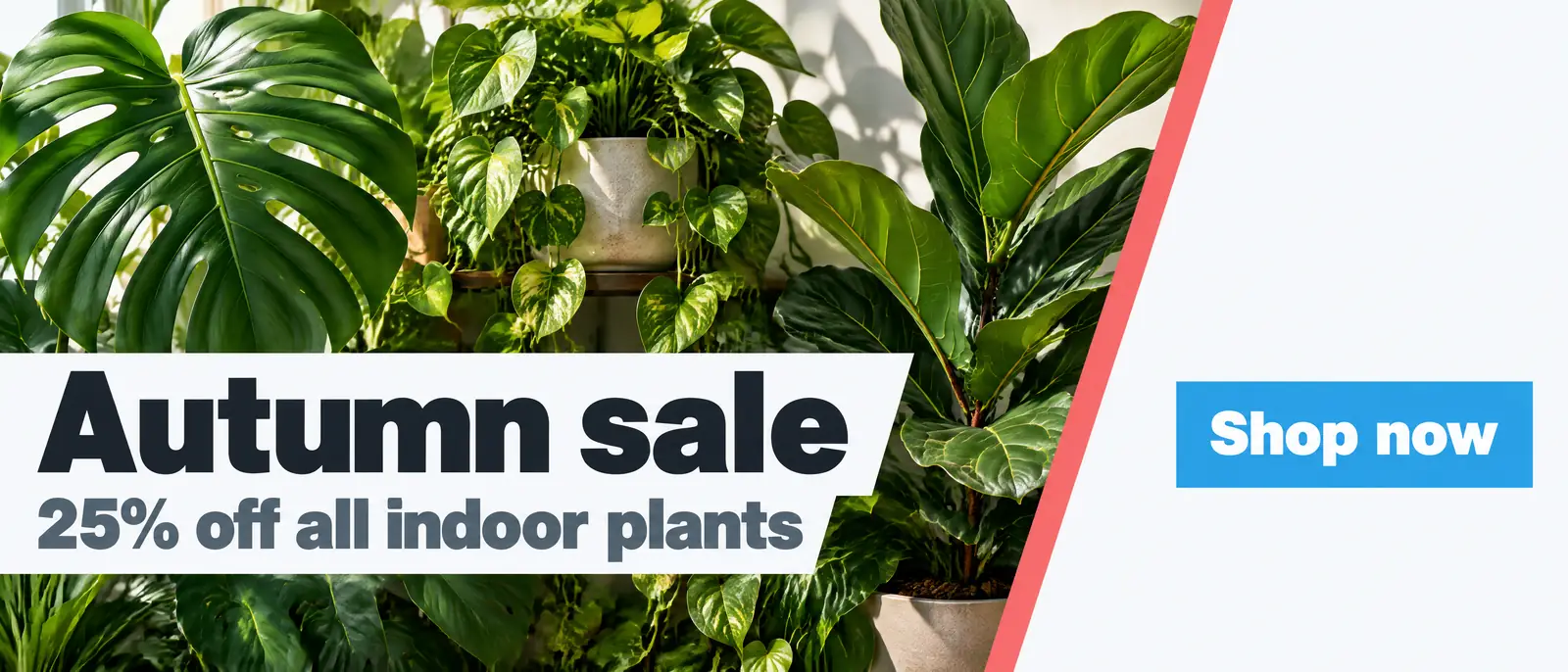
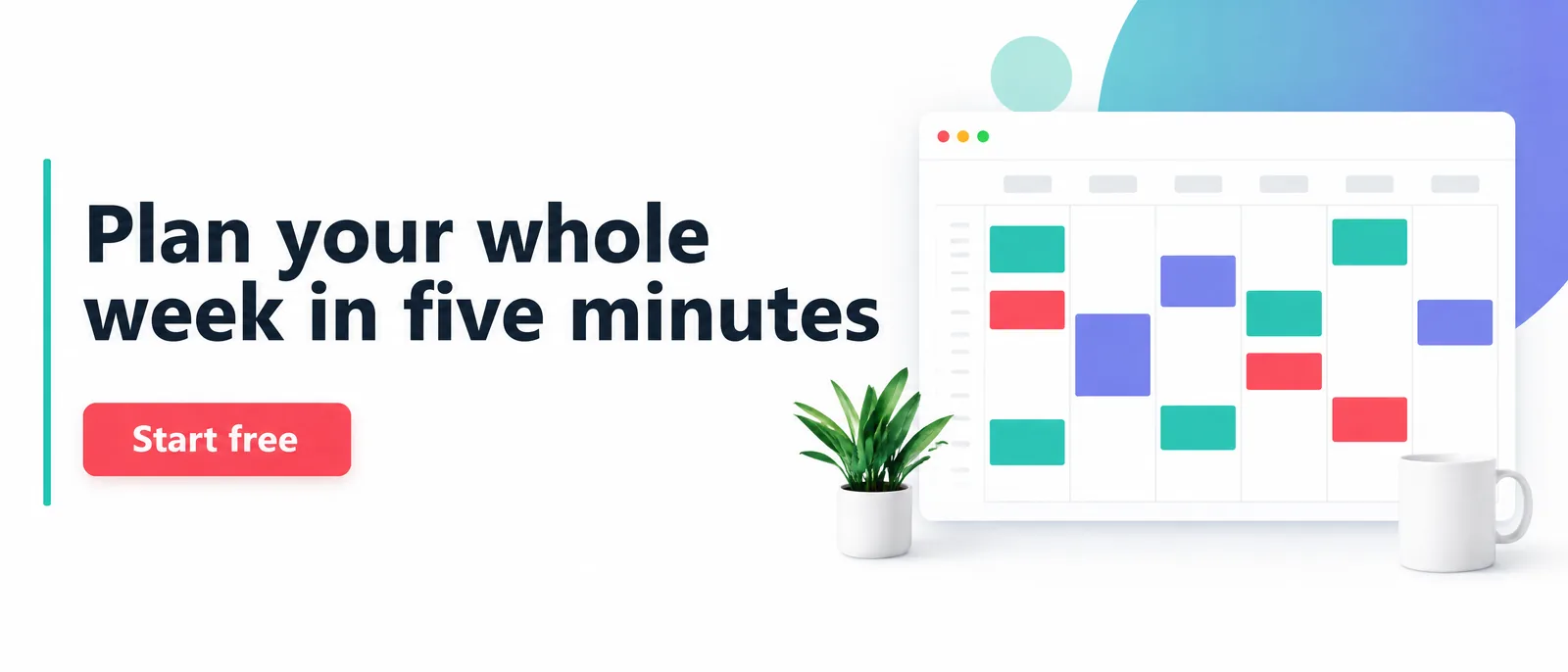
Real designs, not mockups.
Made with Canvora
Real designs, not mockups.
From Content to Web Banner
Chat with AI or drop your content and get professional web banner instantly
Visual Assistant
Create visuals instantly
Document
PDF, Word, Text
URL
Blog, Article, Page
Text
Paste content
Web Banner
21:9 / 3:1 / 2:1
Create with Visual Assistant
Describe what you need and watch AI create professional Web Banner for you
Visual Assistant
From idea to professional design, effortlessly
Describe what you want to create
AI researches, writes, and designs
Download your Web Banner
From Idea to Visual
Watch how Canvora creates professional visuals from any content — the same workflow powers every format including Web Banner
Web Banner
Website graphics for hero sections, promotional strips, and announcement bars. Desktop and mobile sizes included.
Works great with
A full-width hero from one sentence
Describe the offer and the button you need. Canvora designs the headline, the imagery and the call to action together, in your brand colours.
Perfect For
See how different professionals use Web Banner
Website Headers
Hero sections that communicate value proposition instantly
Sale Promotions
Promotional banners for e-commerce and campaigns
Feature Announcements
New product or feature launch banners
Event Promotion
Webinar, conference, and event registration drives
Seasonal Updates
Holiday, campaign, and seasonal messaging
Content Ideas
Not sure what to create? Start with these proven formats
What is a website banner?
A website banner is the wide image across the top of a page or section: the hero on your homepage, the header of a landing page, or a strip announcing a sale or an event. It is the first thing visitors see, so it has one job: say what you offer and what to do next.
How to create a website banner in 3 steps
- Describe the banner. What it's for, the headline, and the button: for example "homepage hero for a planning app, headline Plan your whole week in five minutes, button Start free".
- Choose a style or your brand kit. Your colours, fonts and logo are applied automatically if you have a brand kit in Canvora.
- Download it. The banner comes out wide (21:9) and at high resolution, ready to drop into your site builder.
Want to change something? Ask in plain words, such as "make the button green" or "move the photo to the left", and only that is changed.
Website banner size and shape
Canvora creates website banners in a wide 21:9 shape at high resolution, which suits full-width heroes on desktop. Most site builders crop wide images on narrower screens, usually trimming the sides, so:
- Keep the headline and button near the centre or on one side with room to spare, so a crop doesn't cut them off.
- Use one strong image, not several small ones; detail disappears when the banner is shown smaller.
- Upload the full-resolution file and let your site builder scale it down.
What makes a website banner work
- One message. A headline of eight words or fewer, readable in a second.
- One button. A single, specific action: "Book a table", "Shop the sale", "Start free".
- Contrast. Text on a calm part of the image, or on a solid panel, so it stays readable.
- Consistency. The same colours and fonts as the rest of your site; a brand kit does this for you.
Website banner ideas
- A homepage hero that states what you do and for whom
- A seasonal sale banner for an online shop
- A course or webinar launch with a date and a sign-up button
- A restaurant header with your signature dish and a booking button
- A product-launch strip at the top of the page
For ad placements such as leaderboards and Google Display, use the ad creative generator instead: those formats have their own fixed sizes.
Frequently asked questions
Is the website banner creator free?
You can start free: a new account gets free credits to start with no card required, and each banner uses 10 credits.
Can I put my logo on the banner?
Yes. Add your logo to a brand kit and ask for it on the banner; your colours and fonts are applied too.
Will the banner work on mobile?
Keep the headline and button away from the far edges. Most site builders crop the sides of wide images on phones, and a centred design survives that crop.
Can I make banners in other languages?
Yes. Canvora designs banners directly in more than 150 languages, so the text is written for that language rather than translated onto an English layout.
Pair With These Templates
Maximize your reach by creating matching content across formats
Related Tools
Blog Header Generator
Create stunning blog featured images and headers. Professional graphics that make your articles stand out and get clicked.
Email Header Generator
Create professional email headers, hero images, and newsletter graphics. Make every email visually compelling.
Landing Page Visual Kit
Generate a complete visual content kit from your landing page. Hero graphics, feature cards, social announcements, ads, and more — all in one click.
Ready to create Web Banner?
AI transforms your content into professional visuals. No design skills required.
Free plan includes credits to start • No credit card required