

Notes from the client's email
- office closed Dec 24 to Jan 2 - send us your year-end documents by Jan 15 - book a year-end review
Instagram story
Your client sends notes, photos or a newsletter. You need this week's posts. That's the whole brief.
Your clients hired you to keep things running: inbox, calendar, invoices, and somewhere in there, their Instagram and LinkedIn.
They send you a newsletter or a blog post and say "can you post something about this?" Then you spend an hour in a design app trying to make it look like them.
It works, but it's the task that always runs over, and the one clients notice most when it looks rushed.
The content exists. Making it look right is the slow part.
Each client has their own colors, fonts and logo to match
Design apps mean starting from a blank template every time
Posts have to be resized for every platform
Clients want their exact wording, not a rewrite
Changes arrive after you thought the task was done
Clients judge their VA by how professional their business looks online. Consistent, on-brand posts make you look as good as the work you do.
Notes, an event, a PDF or a newsletter. These were all made with Canvora, from exactly the input shown.
Notes from the client's email
- office closed Dec 24 to Jan 2 - send us your year-end documents by Jan 15 - book a year-end review
Instagram story
Event details
Free webinar: Bookkeeping basics for new business owners. Thursday January 22, 12pm.
LinkedIn post
The client's price list (PDF)
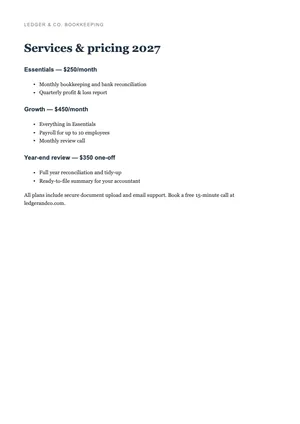 services-pricing.pdf
“One post showing the three plans. Prices exactly as in the PDF.”
Instagram post, prices kept exactly
The client's newsletter
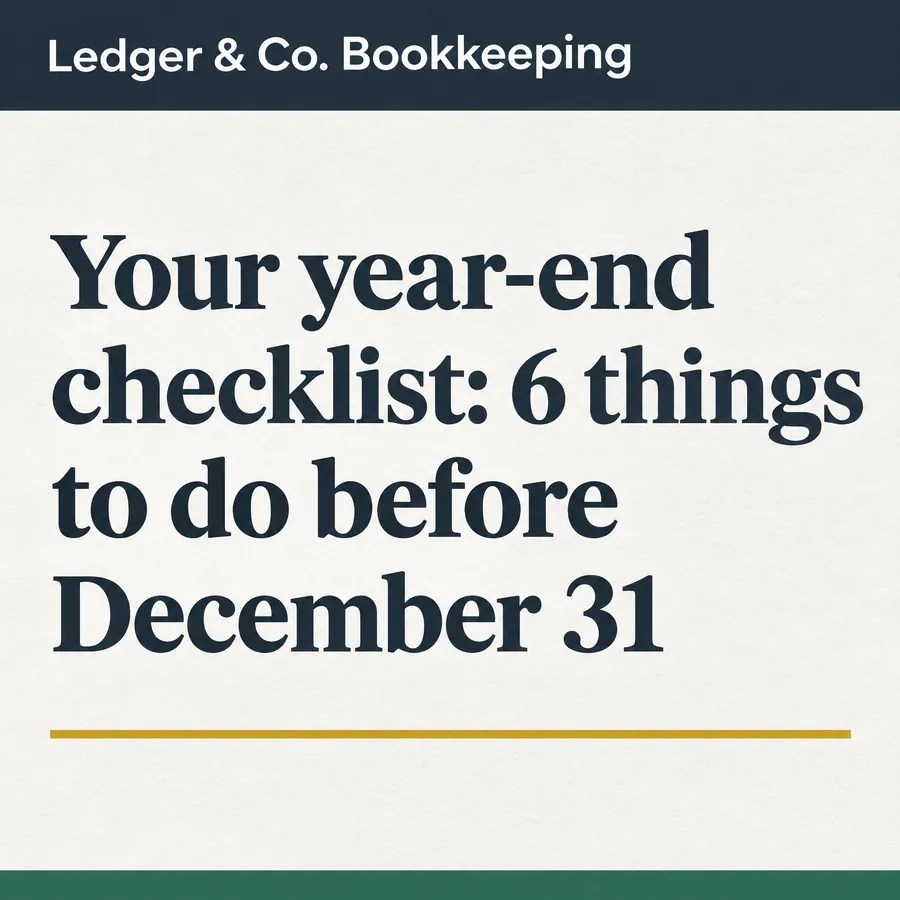
Your year-end checklist: 6 things to do before December 31
A full set, shown below
A real example: a VA turned a bookkeeping firm's December newsletter into the week's posts, a printable checklist and an email header.
Everything made from one client newsletter
All in the client's brand kit, using the client's own wording.
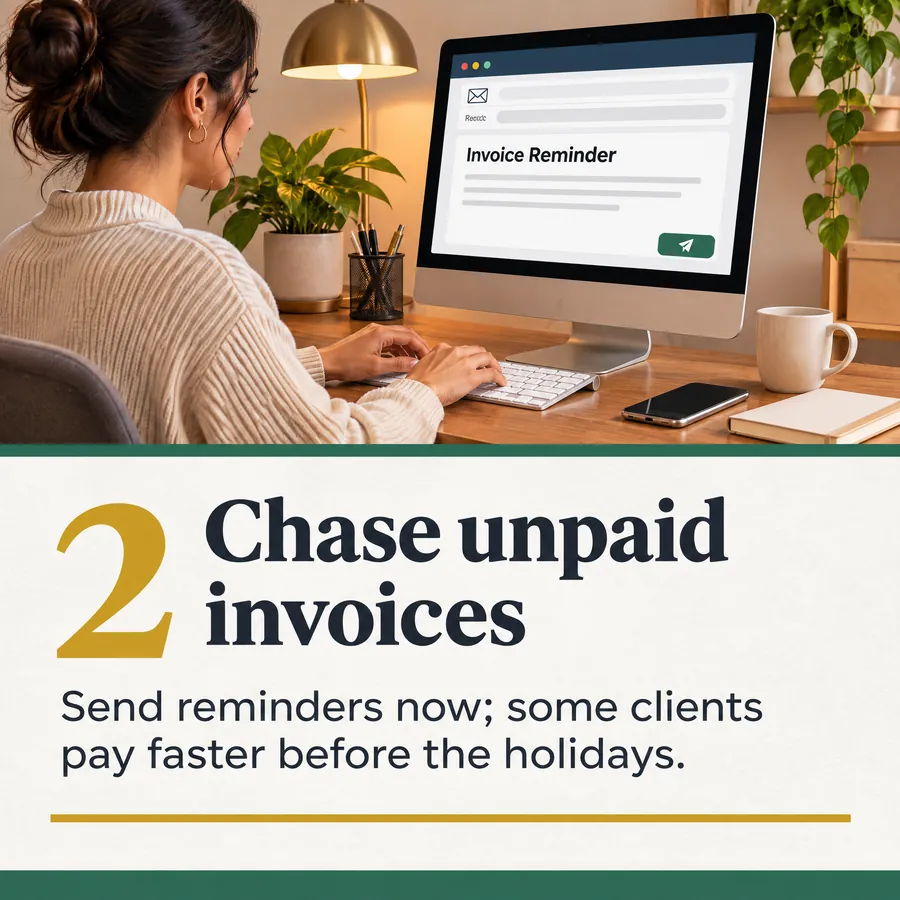
Each tip or checklist item gets its own slide, in the same layout.
The headline idea as a single post for Instagram or LinkedIn.
Stories that point followers to the client's booking page or offer.
Save each client's brand kit once, and every set comes out in the right colors and fonts.
Three steps between the client's email and their feed
A newsletter, a forwarded email, rough bullet notes, event details, a PDF or a photo the client sent.
"A story about the holiday closing and a LinkedIn post for the webinar, in the client's brand."
Change any word by asking, or edit the text yourself. Download PNG, JPG or WebP, or export a PDF.
If English isn't your client's language, Canvora designs the posts in theirs, from the start.
Notes, a newsletter, a PDF or photos. Canvora turns it into on-brand posts and print pieces you can check and send.
See how others are transforming their content
Turn your expertise into visual authority. Build thought leadership with content that looks as good as your advice.
Multiply your content's reach. Turn one piece into 15+ platform-ready visuals in minutes.
Product visuals that sell. Turn your product brochure, page or notes into launch posts for every channel, in your brand.