Localize a Visual into Another Language (Same Design)
Make the same design in Spanish, Arabic or any other language: what stays, what changes, how to do it in ChatGPT, Claude or the app, and what it costs.
On this page
Localizing a visual means making the same design in another language: the layout, photos, colours and logo stay where they are, and only the words change. Canvora rewrites the text inside the finished image itself, so it works on any visual you've made, including text that's part of a photo or a product label.
Below is a four-slide Instagram carousel made in English, then localized into Spanish and Arabic with one request.

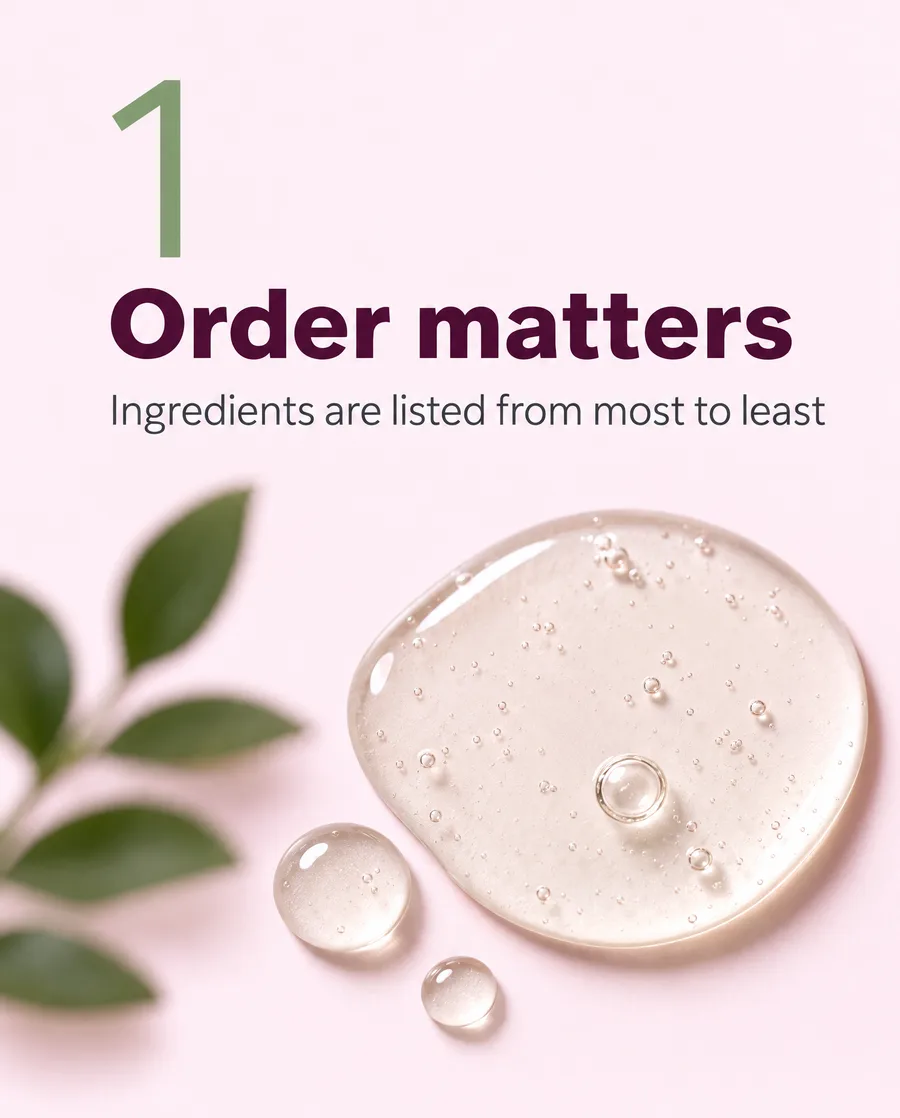
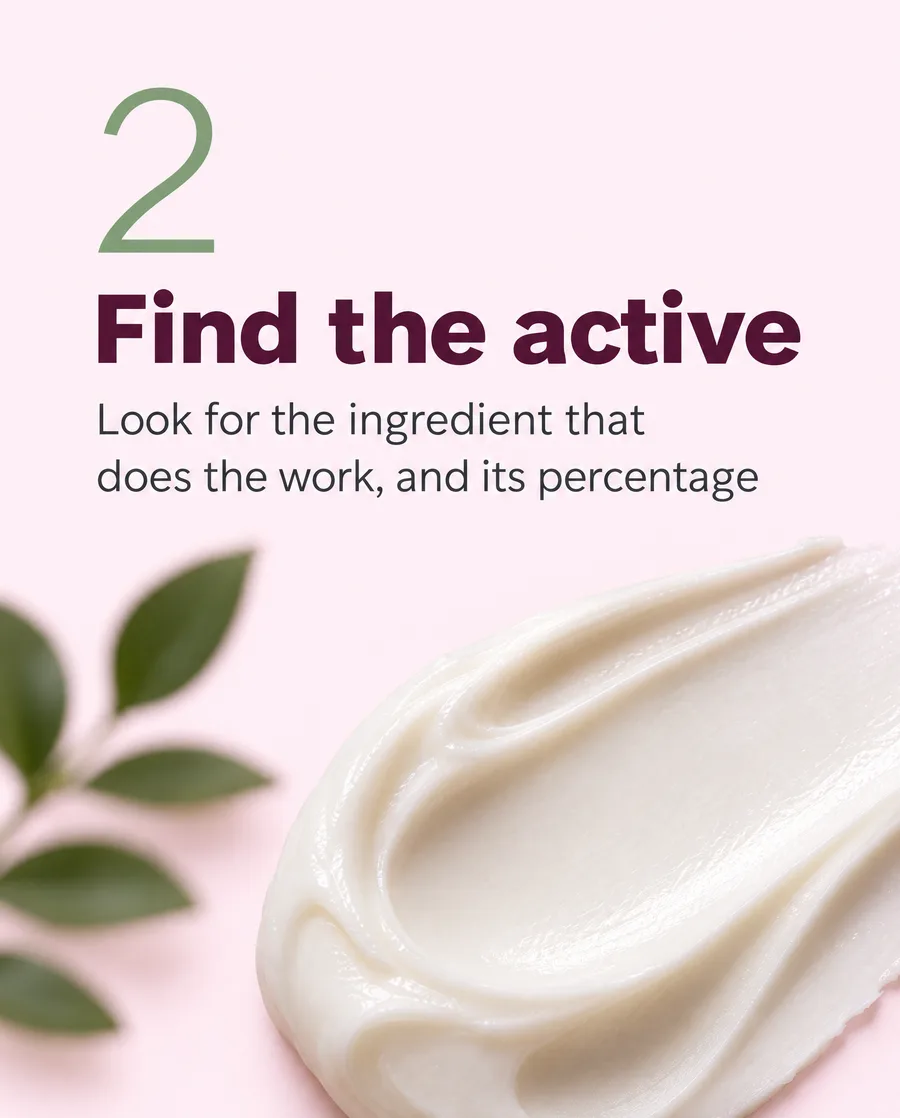
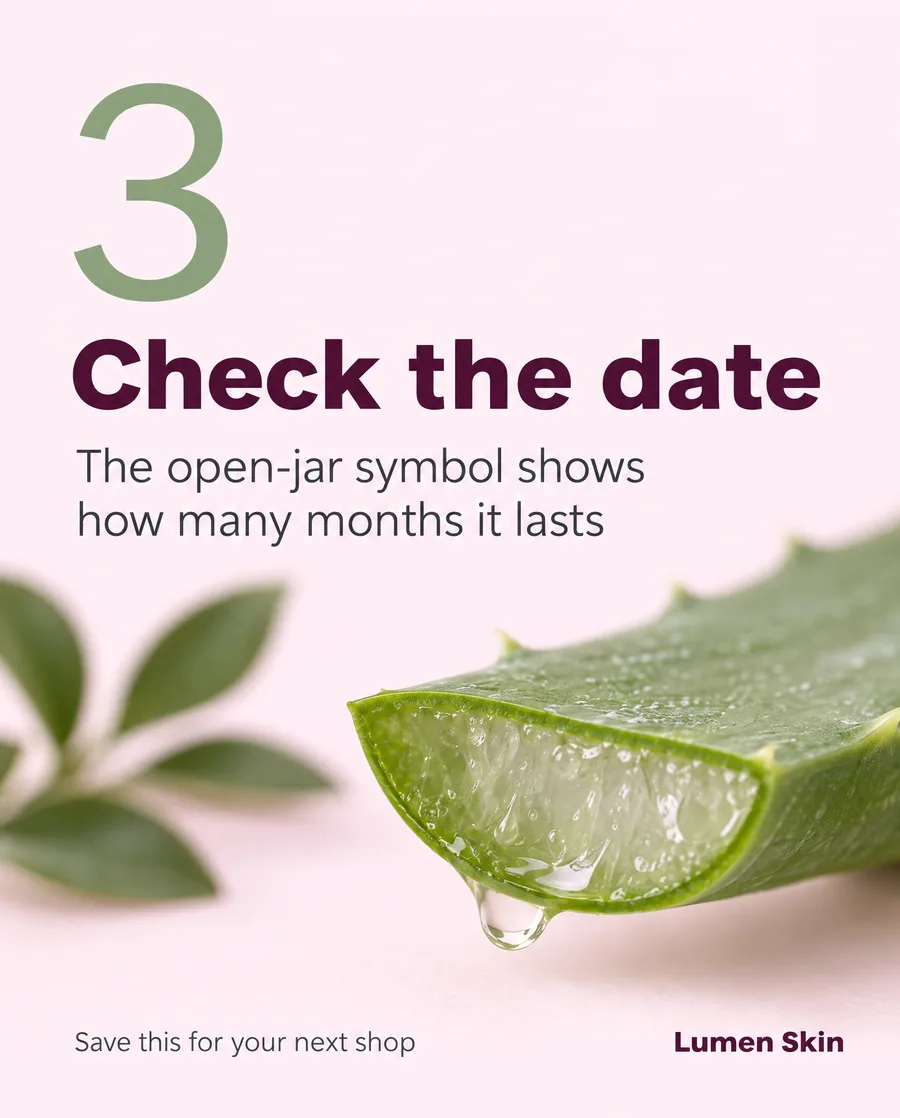
The original, in English.
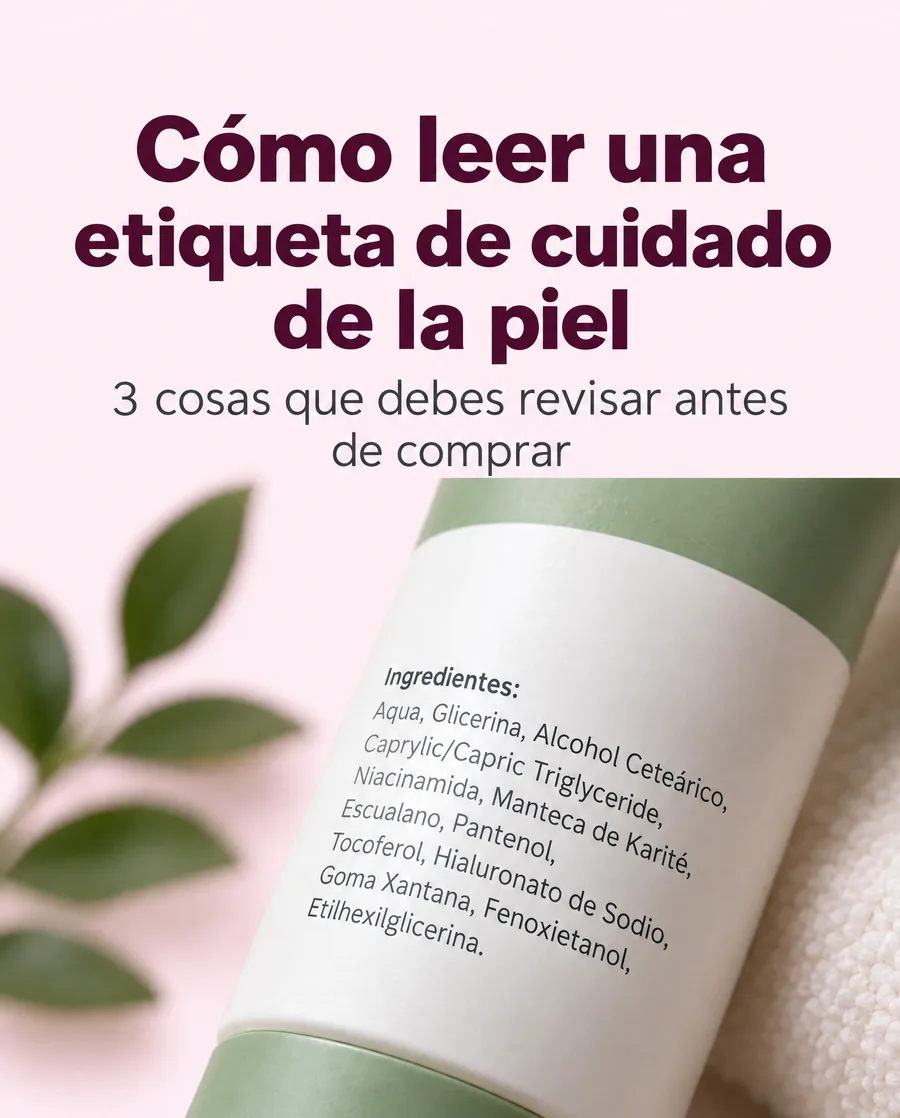
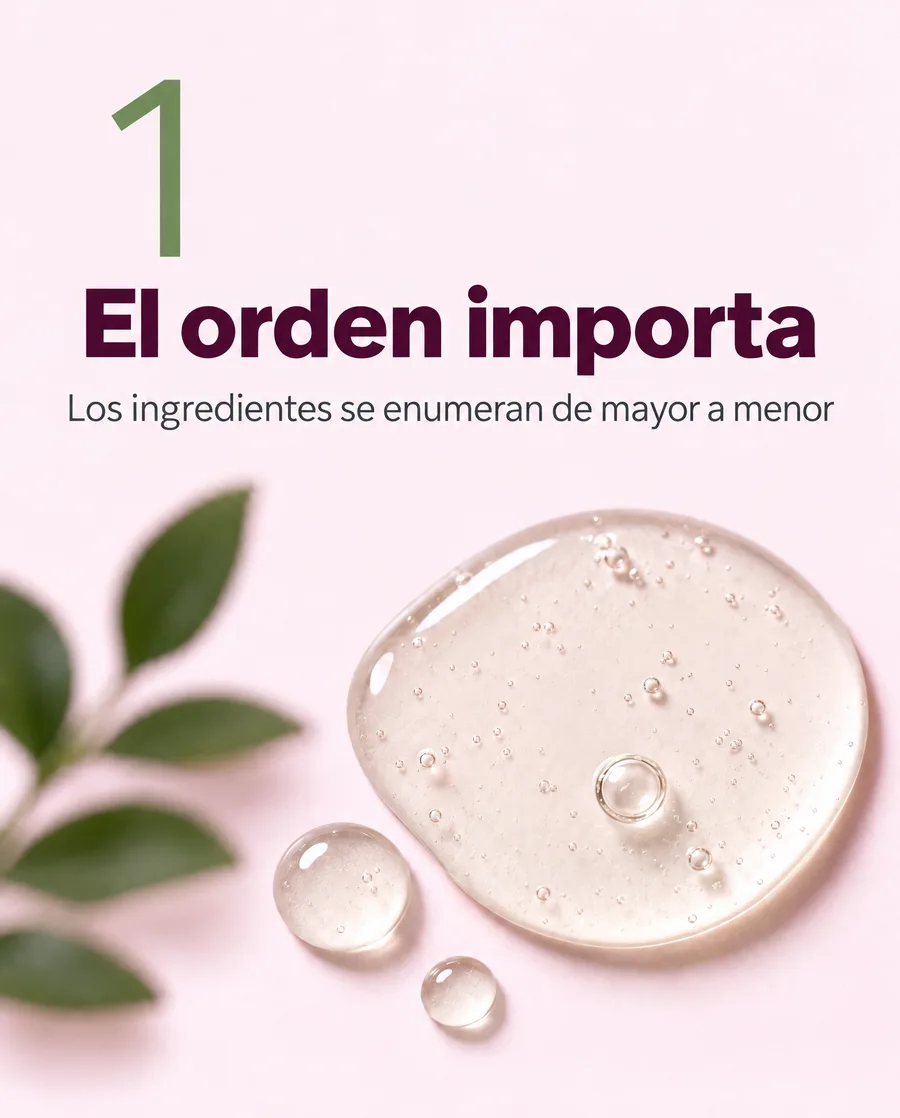
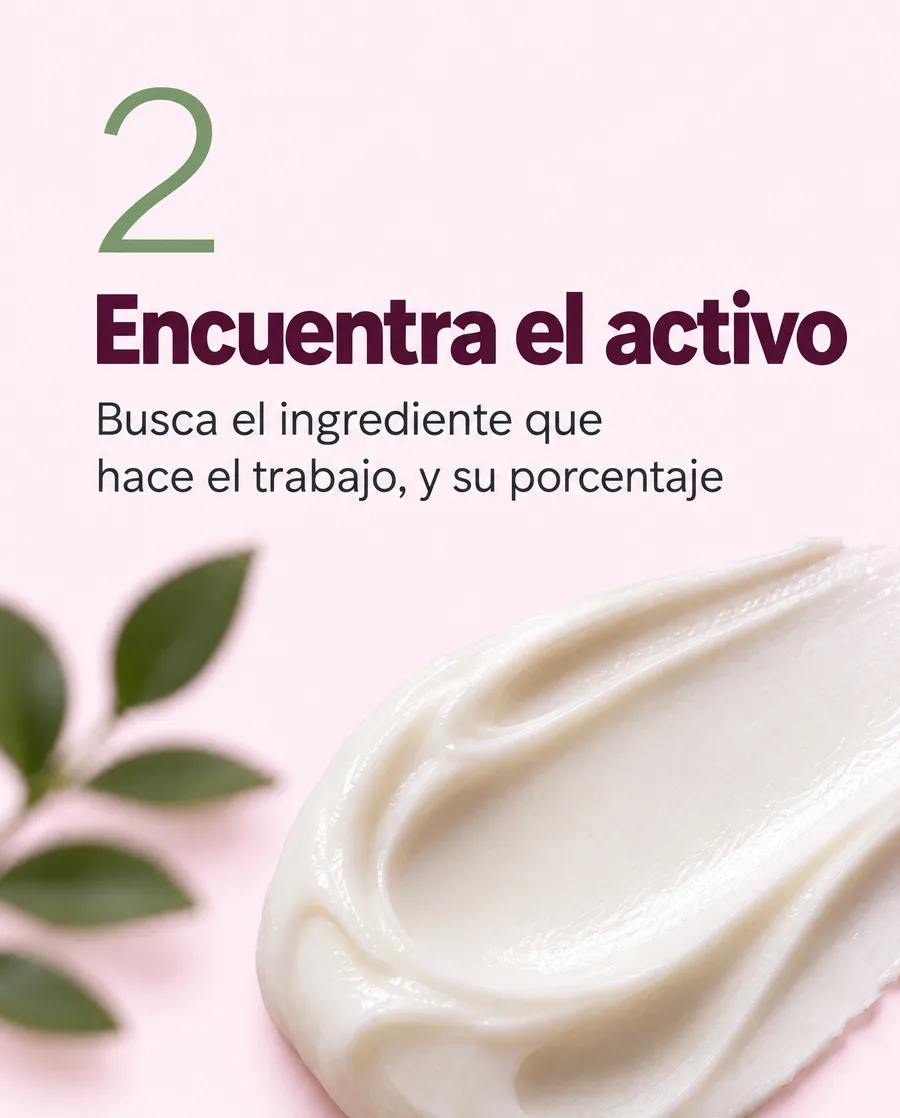
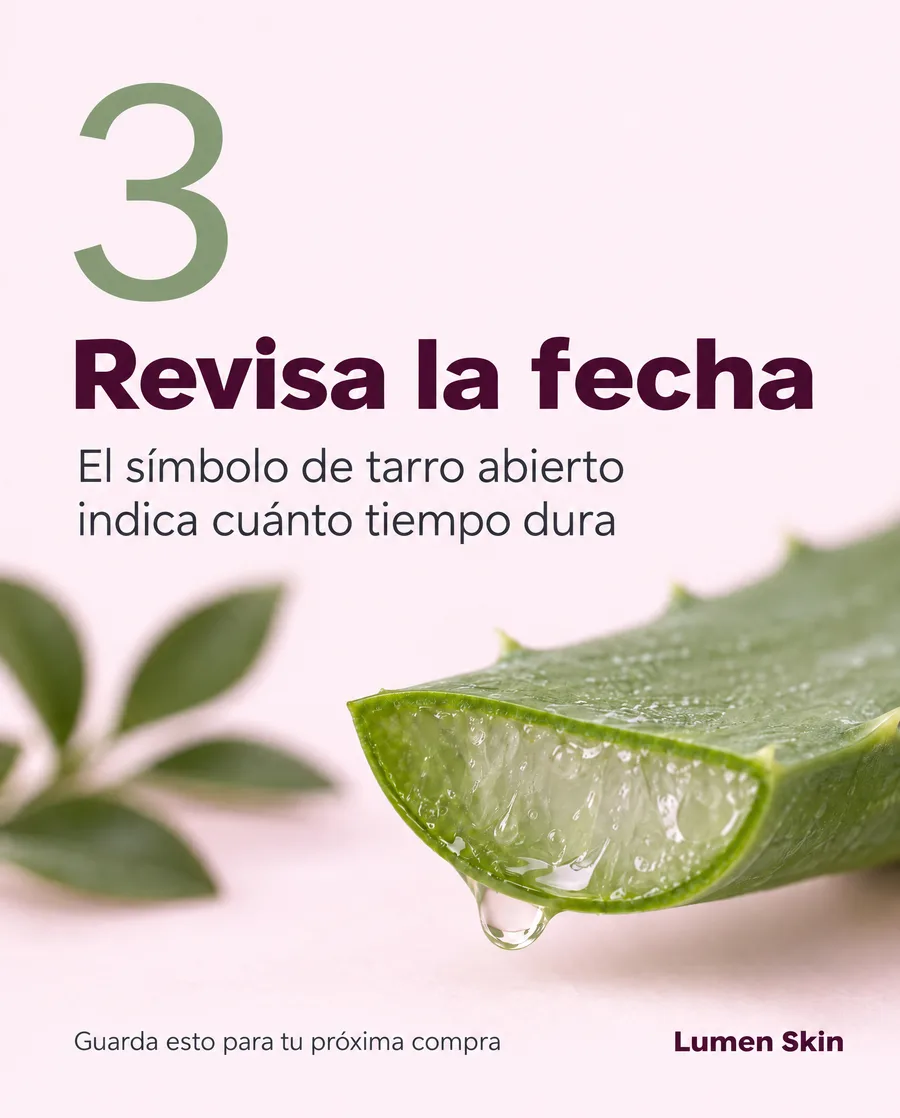
Spanish. The longer cover headline wraps onto three lines; everything else sits where it was.
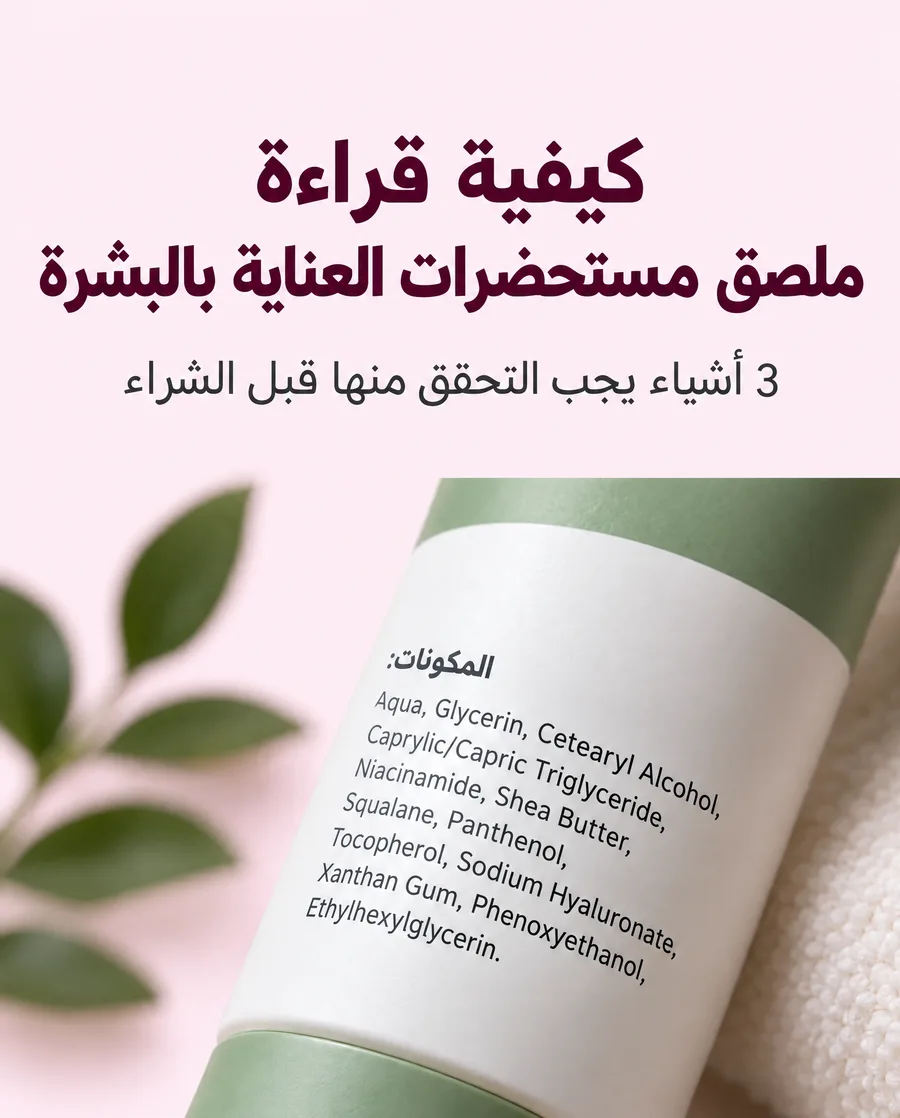
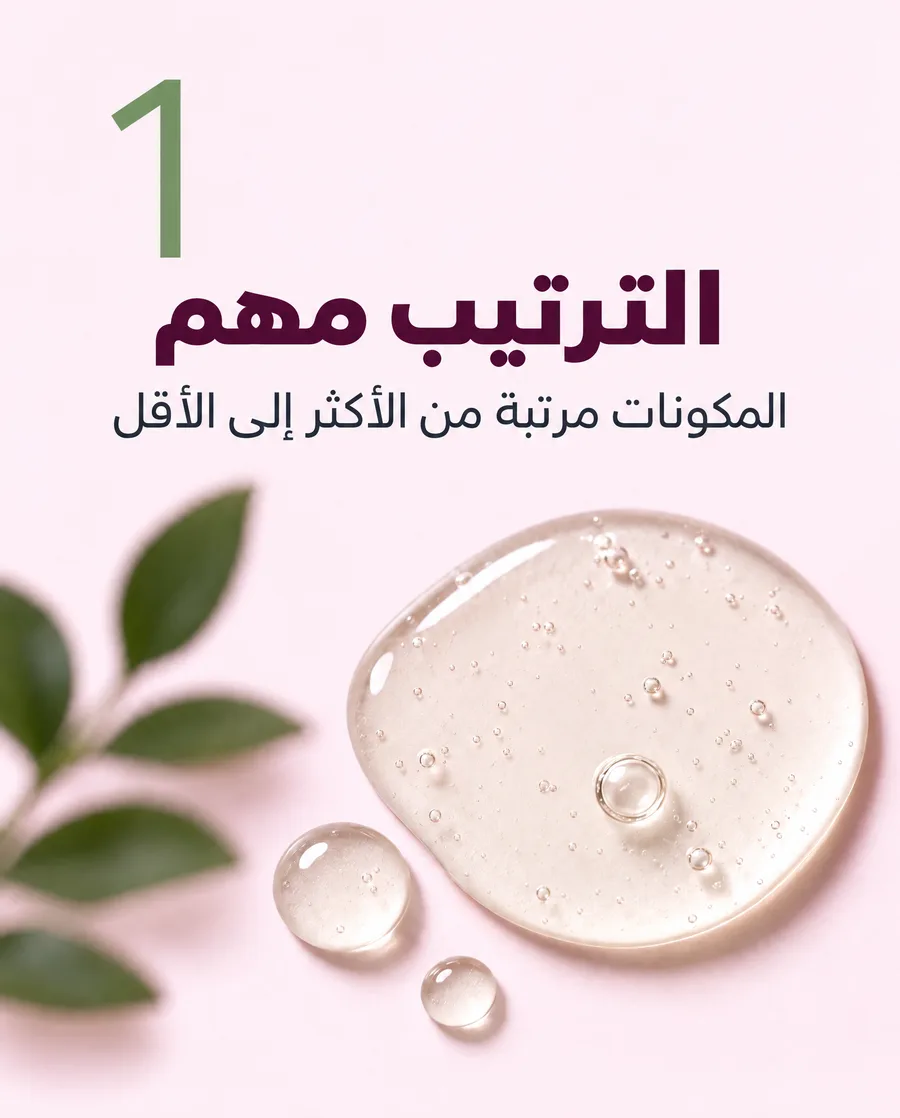
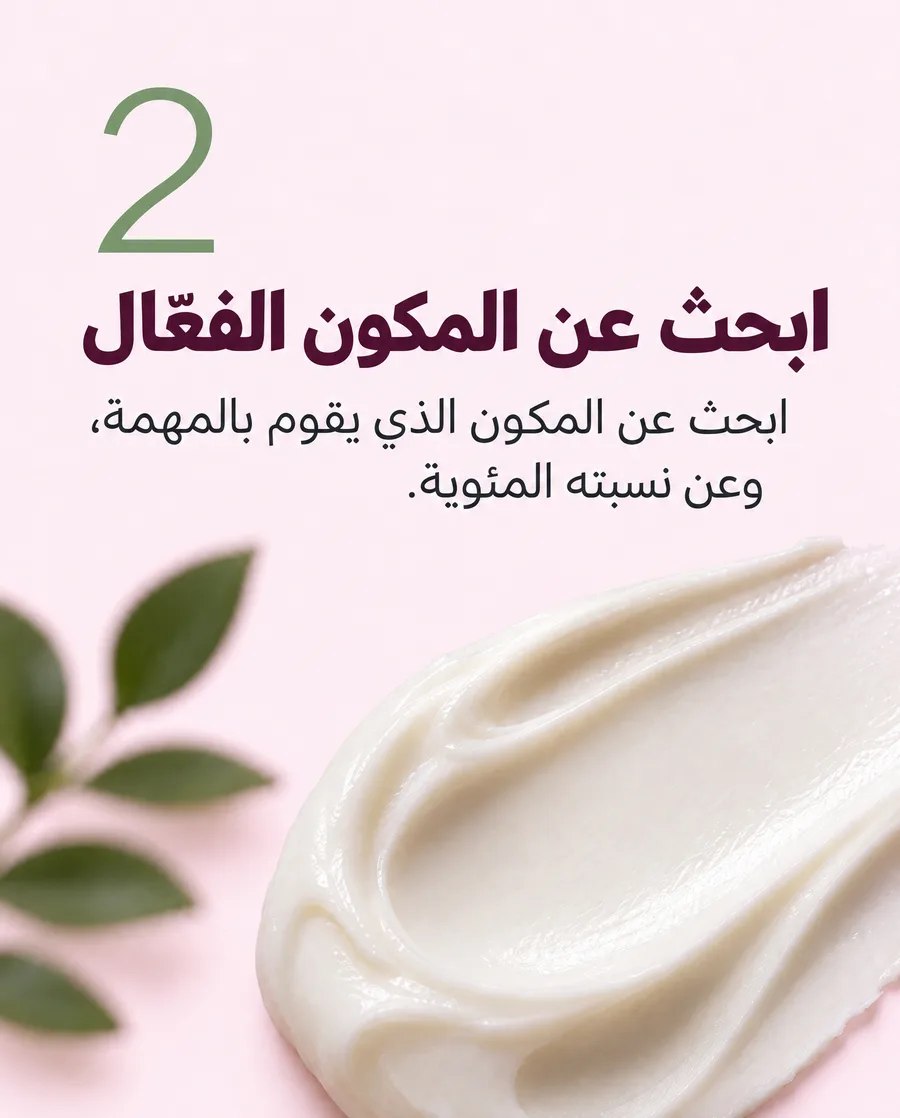
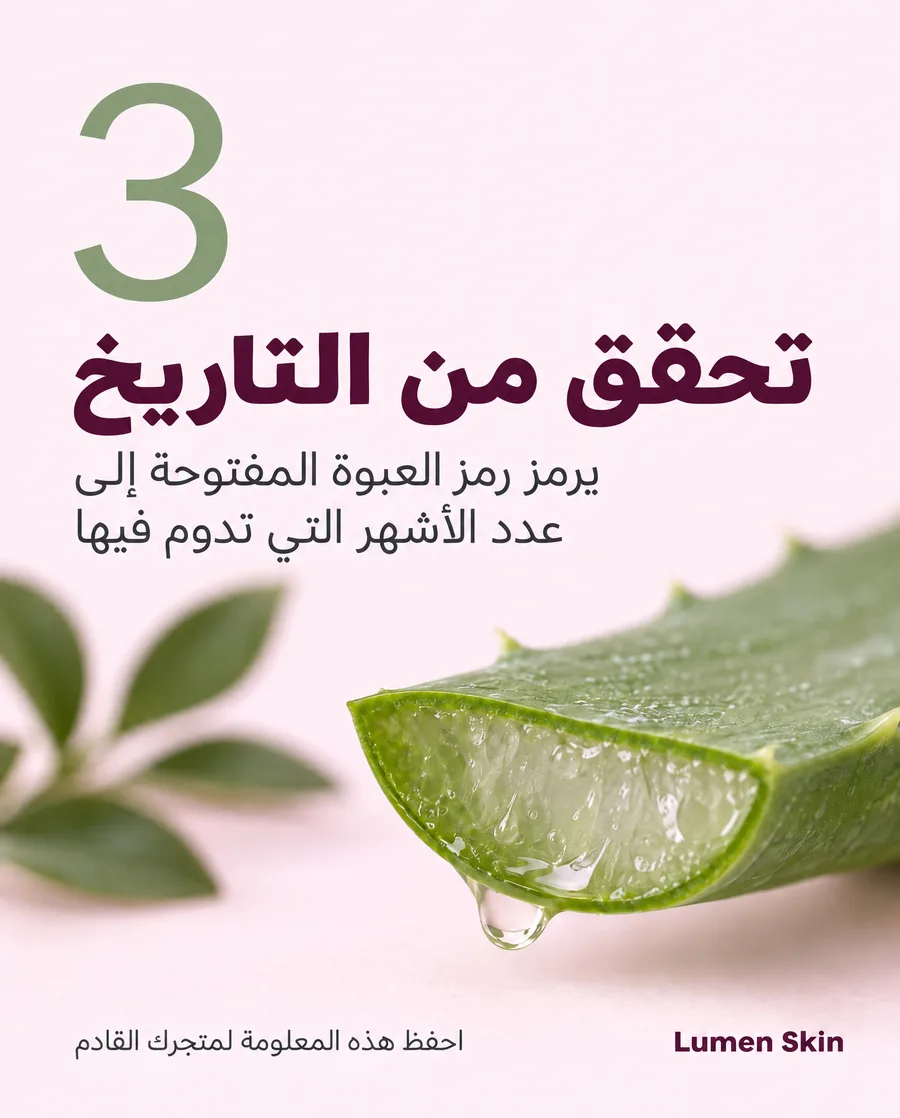
Arabic. The text is right-aligned and the label heading is translated, while the standard ingredient names stay as printed.
Three ways to localize
In ChatGPT or Claude
Once a set is finished, ask for the languages you need:
Make Spanish and Arabic versions of this carousel.
You can ask for up to 10 languages in one request. Each language comes back as its own set (in ChatGPT the panel shows it; in Claude you get a list of links per language), and each one is saved in your Canvora dashboard. Setup guides: Canvora in ChatGPT and Canvora in Claude.
In the Canvora app
Open the visual, select Edit, and describe the translation:
Translate all the text into Spanish. Keep the layout, colours and images exactly the same.
Canvora shows what it's about to change; confirm to apply it. This works one visual at a time, so for a carousel, repeat it on each slide, or ask in the chat to translate every slide.
From an agent or the command line
If you use Canvora through the Canvora CLI or an AI agent, run canvora localize with the generation and the languages you want. The agent gets back one set per language.
What changes and what doesn't
Stays the same
- Layout, spacing and the position of every element
- Photos, illustrations and background
- Colours and the style of the type
- Your logo, drawn exactly as it was
Stays exactly as written
- Brand names, product names and wordmarks
- Hashtags, web addresses and email addresses
- Technical terms with no natural equivalent
Changes
- Every other piece of visible text, including small labels and text that's part of an image
- Line breaks, where a translation is longer or shorter than the original
- Alignment for right-to-left languages, so Arabic, Hebrew, Persian and Urdu read naturally
The translation follows the meaning of the original rather than rewording it, so a headline stays a headline and a fact stays a fact.
Translate it, or make it in that language?
There are two ways to get a design in another language, and they suit different jobs.
Translate when the design has to look the same everywhere: one global campaign, one product launch, a set of slides for offices in different countries. The structure is identical and only the language moves.
Make it in that language when the visual is mainly for that audience. Canvora then composes the design for the language from the start. For Arabic, that means the text block starts on the right and the photo moves to the other side, rather than an English layout with Arabic dropped into it.
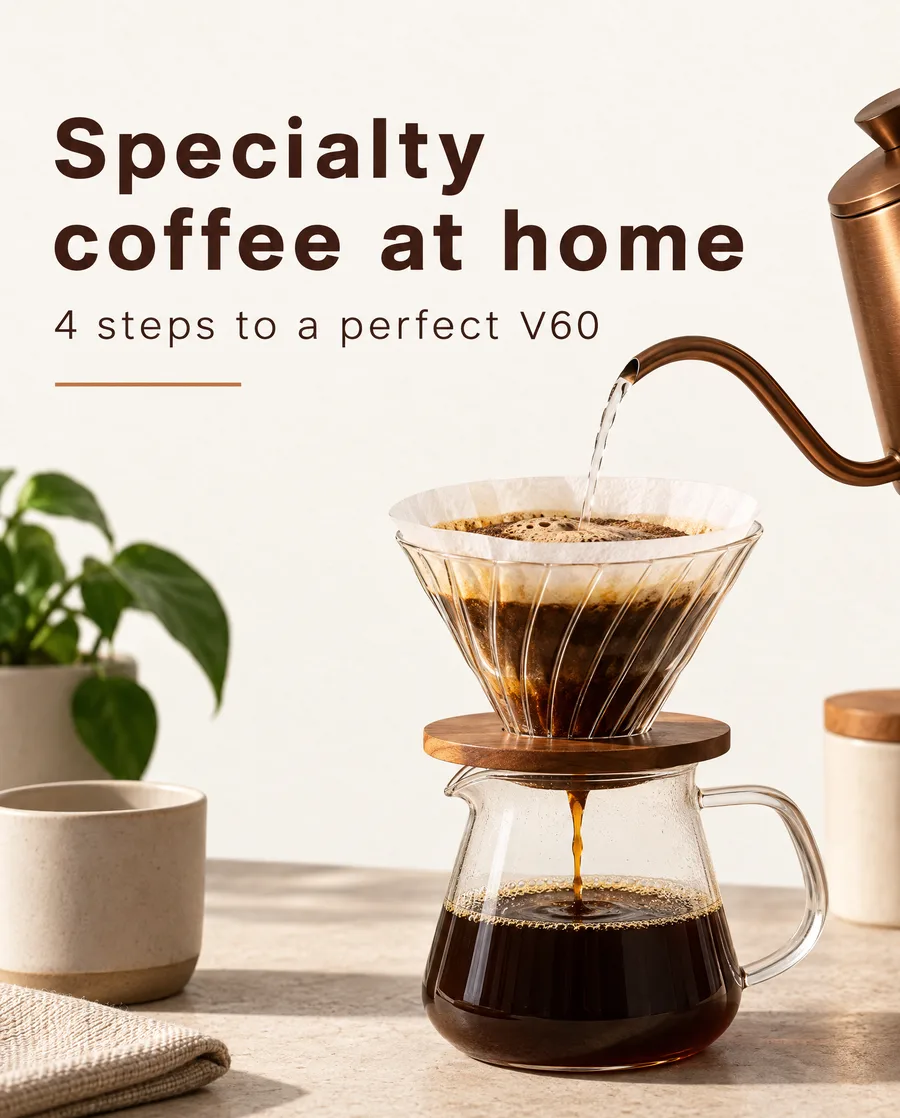
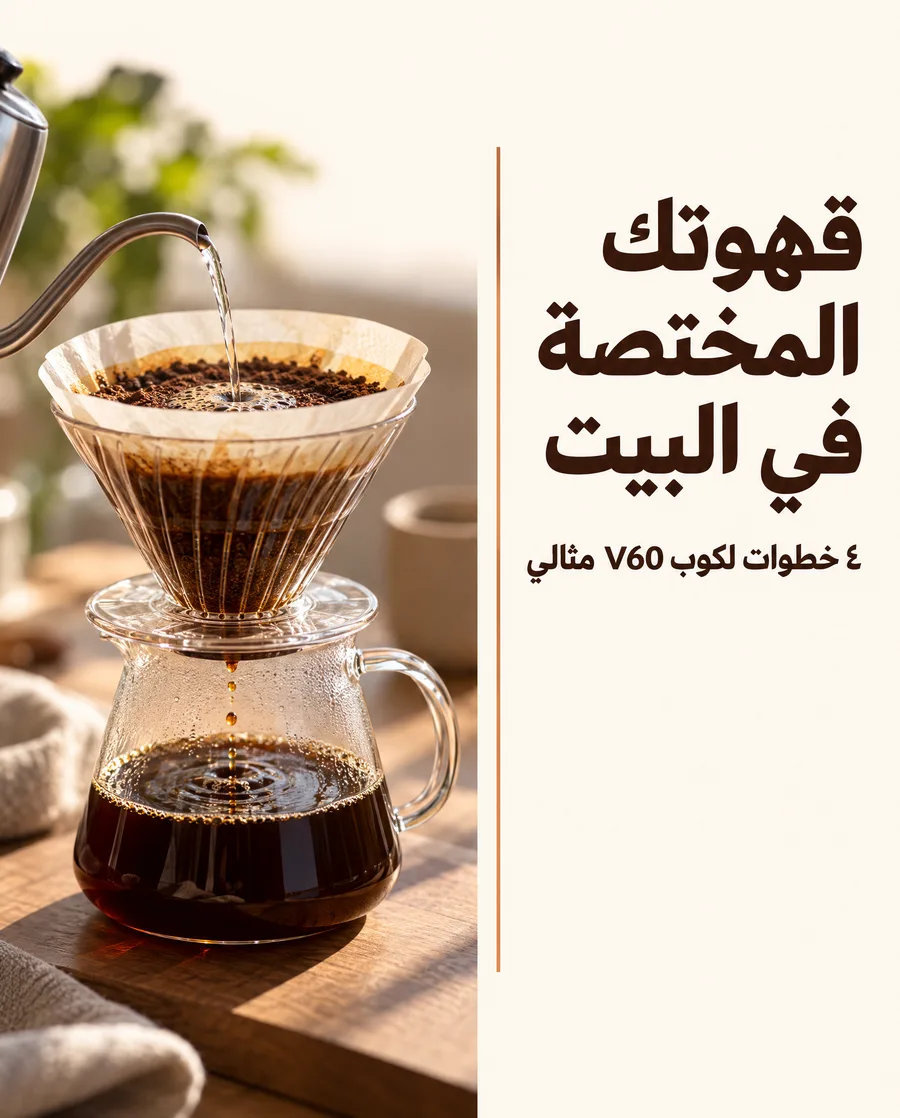
Made separately in English and in Arabic from the same brief. In the Arabic version the reading path starts at the top right.
To do the second, ask for the visual in that language when you create it ("make this in Arabic"), or write your request in it. More on this: Arabic design with Canvora.
What it costs
| How | Cost |
|---|---|
| Localize a finished set (ChatGPT, Claude, CLI) | 10 credits per visual, per language |
| Translate one visual with Edit in the Canvora app | 3 credits |
| Make a new design in another language | Same as any design: 10 per image, 15 per slide |
A four-slide carousel into two languages costs 80 credits. If a translation fails, its credits are refunded.
If you're used to Canva's Translate
Canva's Translate works differently, and the difference matters for some designs. According to Canva's own help pages:
- It translates the text elements in a Canva design, one target language at a time. (Canva Help: Translate your designs)
- Text that's part of an image has to be turned into editable text first with Grab Text, and Canva notes that Grab Text doesn't support languages that don't use the Latin alphabet. (Canva Help: Grab Text)
- For right-to-left languages there's a Mirror page setting that flips the layout. (Canva Help: Translate your designs)
Canvora works on the finished image, so text inside photos and labels is translated along with everything else, in any script, and you can ask for up to 10 languages at once. If your designs live in Canva and are built from editable text boxes, Canva's tool fits that workflow. If they're finished images, or you need many languages at once, Canvora is the quicker route.
Before you post
- Read the headline in each language, ideally with a native speaker for anything important.
- Check line breaks on long headlines (German, Finnish and Portuguese often run longer than English).
- Check numbers, prices and dates. Say which digits you want for Arabic (٣٠ or 30), and the currency format you use.
- Keep the originals. Each language is saved as a separate set, so the English version is never overwritten.
FAQ
Which languages can I localize into? Any language Canvora writes, including right-to-left languages and non-Latin scripts. See Supported languages.
Does localizing change my original? No. Every language is a new set; the original stays as it was.
Can I localize a single slide? Yes. In the Canvora app, use Edit on that slide and ask for the translation. In ChatGPT or Claude, say which slide.
Is my logo translated? No. Logos and wordmarks stay exactly as drawn, and brand names in the text stay as written.
Can I fix a word after translating? Yes. Edit the translated visual and give the exact wording, for example: "Change the subtitle to: İzle, çarkı dene, fincanını evine götür." An edit costs 3 credits.
Can I translate a design I made somewhere else? Yes. Start a new chat at canvora.ai/create, add the image, and ask Canvora to translate its text into the language you need.
Continue reading
Editing Your Visuals
Fine-tune any generated image with natural language—just describe what you want changed
Prompt Best Practices
Get better results by learning what to say (and how to say it)
Repurposing Content
Turn one piece of content into dozens of visuals across every platform
Supported Languages
Make visuals in any language: how Canvora picks the language, right-to-left scripts like Arabic, non-Latin scripts, numbers, brand names and mixed-language designs.