X Multi-Image Post Templates
Create visual stories with up to 4 images
Create with Visual Assistant
Describe what you need and watch AI create professional x multi-image post templates for you
Visual Assistant
From idea to professional design, effortlessly
From Idea to Visual
Watch how Canvora creates professional visuals from any content — the same workflow powers every format including Free X Multi-Image Post Templates | AI Post Maker
Made with this tool
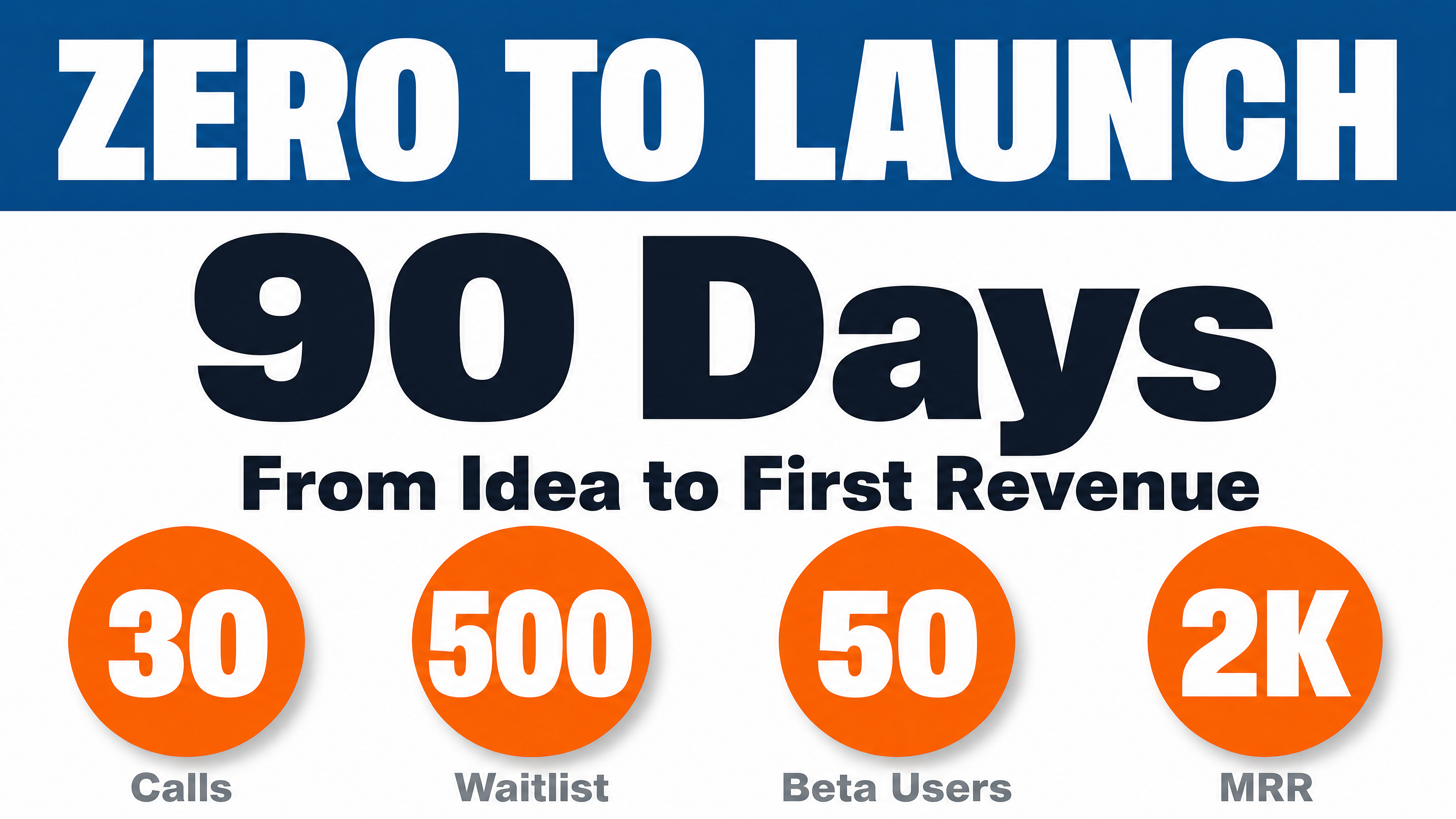
Generated in about a minute, ready to use.


Perfect For
See how different professionals use x multi-image post templates
Data & Analytics
Charts, comparisons, and data visualizations
Product Launches
Feature highlights and product shots
News & Commentary
Visual breakdowns of trending topics
Creators & Artists
Portfolio showcases and work samples
Features
Everything you need to create stunning x multi-image post templates
Grid Optimized
Designed for X's multi-image layout
High Contrast
Readable at small preview sizes
Coordinated Set
Cohesive visual story across images
Engagement Focused
Designed to drive likes and retweets
Frequently Asked Questions
What size are X multi-image posts?
X displays multiple images in 16:9 landscape format (1200x675 pixels) in a grid layout.
How many images can I post at once?
X allows up to 4 images per post. Canvora creates coordinated sets that work together.
How do multiple images display on X?
2 images show side-by-side, 3 images show one large + two small, 4 images show in a 2x2 grid.
Do multi-image posts perform better?
Yes! Posts with multiple images get 2x more engagement than single images on X.
About X Multi-Image Post Templates
X multi-image posts let you attach up to four coordinated images to a single tweet, creating a visual grid that tells a richer story than a single image can. They are ideal for data comparisons, product feature highlights, portfolio showcases, and visual breakdowns of trending topics. The coordinated design ensures all images look cohesive in X's grid layout.
When to Use X Multi-Image Post Templates
Use multi-image posts when you have related visuals that work together — side-by-side comparisons, step-by-step processes, or multiple angles of a product launch. Posts with multiple images consistently earn higher engagement than single-image tweets.
Create Professional X Multi-Image Posts in Seconds
Canvora's AI generates coordinated image sets from any content — paste text, upload a document, or share a URL. Your brand colors, fonts, and style are applied automatically. Download high-resolution files ready to publish.
Looking for more options?
Explore the X Multi-Image Post Templates ToolRelated Templates
Ready to create x multi-image post templates?
Start with free credits. No credit card required.