Timeline content gets 34% more engagement than text descriptions of the same events
Timeline Generator
Visualize chronological events and milestones. Create stunning timeline graphics for history, project plans, and journeys.
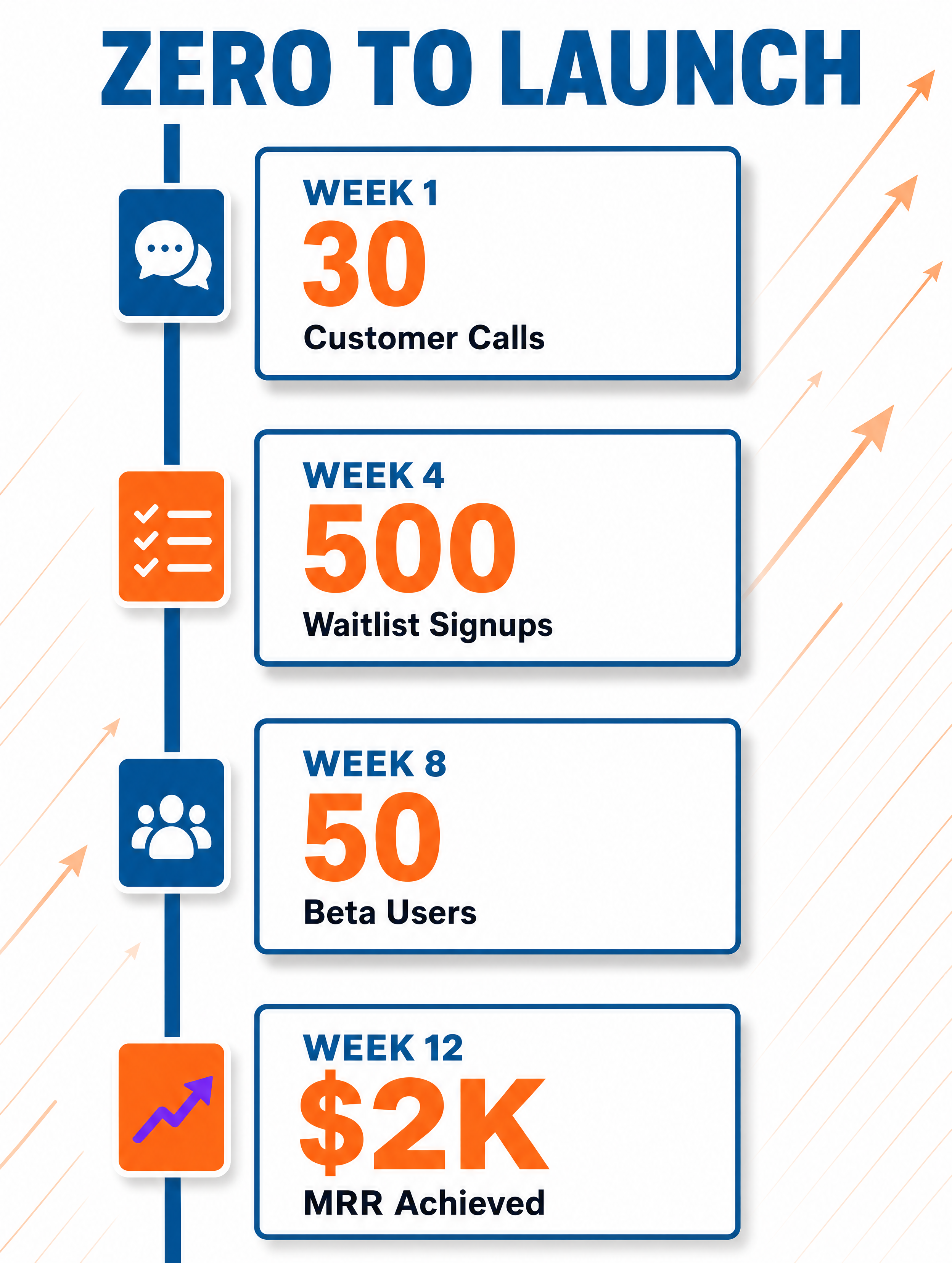

Generated in about a minute, ready to use.
Made with this tool
Generated in about a minute, ready to use.
From Content to Timeline
Chat with AI or drop your content — get professional timeline instantly
Visual Assistant
Create visuals instantly
Document
PDF, Word, Text
URL
Blog, Article, Page
Text
Paste content
Timeline
3:4 / 16:9 / 4:5
Create with Visual Assistant
Describe what you need and watch AI create professional Timeline for you
Visual Assistant
From idea to professional design, effortlessly
Describe what you want to create
AI researches, writes, and designs
Download your Timeline
From Idea to Visual
Watch how Canvora creates professional visuals from any content — the same workflow powers every format including Timeline
Timeline
Chronological visualizations with clear event markers and flow. Vertical, horizontal, and social-optimized formats.
Works great with
Timeline content gets 34% more engagement than text descriptions of the same events
Time tells stories. Visual timelines make history, progress, and plans engaging and memorable.
Perfect For
See how different professionals use Timeline
Company History
Founded-to-present growth stories
Project Planning
Phases, milestones, and deadline visualization
Product Roadmaps
Future plans and upcoming feature timelines
Personal Journeys
Career paths and achievement highlights
Event Schedules
Conference agendas and program timelines
Content Ideas
Not sure what to create? Start with these proven formats
What Is the Timeline Generator?
Canvora's Timeline Generator turns chronological information into polished visual timelines. Whether you are mapping a company history, outlining project milestones, or presenting a product roadmap, this tool creates clear, professional graphics that guide viewers through events in sequence.
Why Use AI to Create Timelines?
Designing timelines manually means wrestling with alignment, spacing, and connector lines for every entry. AI handles the layout logic instantly, placing dates, milestones, and descriptions in a balanced composition. The result is a publication-ready graphic that communicates progression at a glance, saving hours of design work.
How It Works
- Add your content — Paste text, upload a document, or share a URL. Canvora's AI extracts the key messages automatically.
- Customize your style — Choose from multiple visual styles or apply your brand kit for consistent branding.
- Generate and download — Get professional timeline graphics in seconds. Download in high resolution, ready to publish.
Tips for Best Results
- Keep each milestone description short so the visual stays clean and scannable.
- Include specific dates or time periods to give the timeline concrete reference points.
- Limit your timeline to 5-10 events for a single graphic; split longer histories into multiple visuals.
Pair With These Templates
Maximize your reach by creating matching content across formats
Related Tools
Checklist Generator
Create beautiful, actionable checklist graphics. Turn processes and requirements into visual checklists that people save and use.
Comparison Chart Generator
Create clear, visual comparison charts. Side-by-side analysis that makes complex comparisons instantly understandable.
Process Flow Generator
Visualize complex processes as clear flow diagrams. Create professional process flows that explain workflows, decisions, and systems.
Ready to create Timeline?
AI transforms your content into professional visuals. No design skills required.
Free plan includes credits to start • No credit card required