YouTube thumbnail size (2026)
Use 3840 × 2160 pixels (16:9). YouTube needs at least 640 px of width and accepts JPG or PNG files up to 50 MB when you upload on a computer, or 2 MB in the mobile app. The familiar 1280 × 720 still works, because it is the same 16:9 shape.
Checked against YouTube's official guidelines on October 26, 2026.
YouTube image sizes
| Image | Size | Aspect ratio |
|---|---|---|
| Video thumbnail (recommended) | 3840 × 2160 px | 16:9 |
| Video thumbnail (minimum) 1280 × 720 is a common size at the same shape and still works. | 640 px wide | 16:9 |
| Shorts thumbnail At least 640 px tall. Added in YouTube Studio on a computer. | 2160 × 3840 px | 9:16 |
- File types
- JPG or PNG
- Maximum file size
- 50 MB on a computer, 2 MB in the mobile app
- Who can add one
- Verified accounts, within a daily upload limit
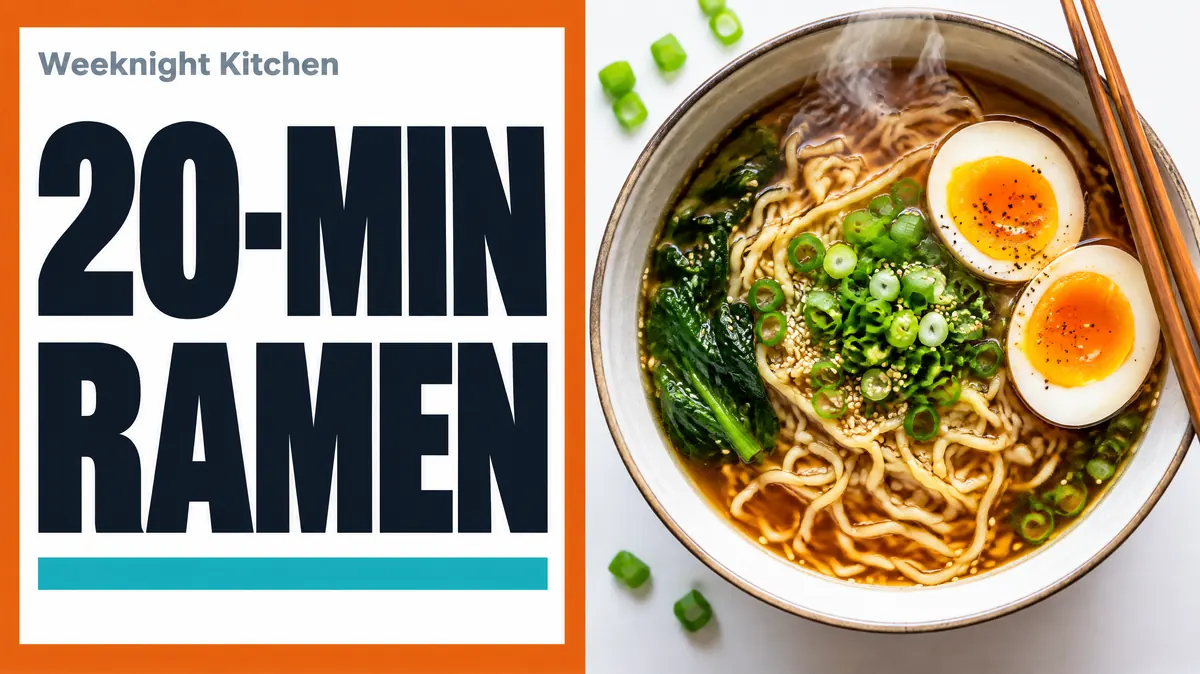
Make a YouTube thumbnail in this size
A 16:9 thumbnail for a cooking video, designed from a one-line brief. Canvora builds thumbnails at the 16:9 shape YouTube uses, with large text that stays readable at small sizes.
Make a YouTube thumbnailWhat changed
Most size charts still say "1280 × 720, under 2 MB". YouTube's own help page now recommends 3840 × 2160, allows up to 50 MB on a computer and lists only JPG and PNG. The 16:9 shape has not changed, so older thumbnails keep working; the bigger size simply keeps your image sharp on TVs and large monitors.
Design for the smallest place it appears
Your thumbnail is seen far more often at phone size, in search results and the sidebar, than full screen. A few things decide whether it works there:
- Three or four words, maximum. Text that reads well at full size disappears in a list of results.
- High contrast between text and background. Light text on a busy photo is the most common reason thumbnails look muddy when shrunk.
- Leave the bottom-right corner clear. YouTube places the video length on top of that corner.
- One clear subject. A single object or face reads faster than a collage.
Shorts thumbnails
Shorts use the vertical 9:16 shape. You can now pick a custom image for a Short in YouTube Studio on a computer. Keep the key text in the middle of the frame, since the Shorts shelf shows a cropped preview in some places.
Common questions
Is 1280 × 720 still the right YouTube thumbnail size?
It still works, because it is the same 16:9 shape, but YouTube's help page now recommends 3840 × 2160 so thumbnails stay sharp on large screens. The only hard minimum is 640 px of width.
What is the file size limit for YouTube thumbnails?
50 MB when you upload in YouTube Studio on a computer, and 2 MB when you upload from the YouTube mobile app. If a large PNG is rejected on your phone, upload it from a computer or save it as a JPG.
Why can't I upload a custom thumbnail?
Custom thumbnails need a verified account, and YouTube applies a daily upload limit. Community Guidelines strikes can also remove the option until they expire.
Can I add a custom thumbnail to a YouTube Short?
Yes, from YouTube Studio on a computer: open Content, then Shorts, and edit the Short. YouTube recommends 2160 × 3840 (9:16). The option started with Partner Program creators and is expanding to more channels.
Which file type should I use, JPG or PNG?
Both are accepted. PNG keeps text and flat colours crisp; JPG gives smaller files, which helps if you upload from your phone with its 2 MB limit. GIF and BMP are no longer listed as supported.